What Are Application DAT Files Used For?
Application DAT files are used to store data that a software program needs while it runs. That data may include settings, cached information, indexes, database records, temporary state, resource references, or other internal information.
The important point is that an application DAT file is not one standard format. Each program can decide what goes inside its DAT files and how those bytes should be read.
Why Do Applications Use the DAT Extension?
The DAT extension is useful because it is generic.
A developer may have data that does not belong in a normal document, image, spreadsheet, or media format. Instead of creating a public file type for users, the application can save that information as a DAT file.
The software then reads and writes the file according to its own rules.
This is why seeing .dat tells you very little about what is actually inside. If you want the broader explanation, read What Does the .DAT File Extension Mean?.
Common Uses for Application DAT Files
Settings
Programs can store preferences, feature options, paths, display settings, or other configuration values.
Cached data
A DAT file may save information the application wants to reuse instead of downloading or calculating it again.
Database records
Some software stores lists, transactions, contacts, indexes, or other structured records in DAT files.
Application state
The program may save the current state of a session, workspace, project, or interface.
Indexes
DAT files can tell an application where other data or resources are stored and how to locate them.
Internal resources
Software may package text, images, audio, templates, or other assets inside a custom DAT structure.
Application DAT Files Can Store Readable Settings
Some programs use DAT files in a very simple way.
A settings file might look like this:
theme=dark
language=en
autosave=true
window_width=1280
window_height=720
recent_project=C:\Projects\Demo
In a case like this, DAT is simply the filename extension chosen by the developer.
You could inspect the contents in Notepad, although you should still avoid editing values unless you understand what the program expects. See Can You Open a DAT File With Notepad? for more detail.
Some Applications Use DAT Files for Structured Records
A program may also use DAT as a simple database or table file.
For example:
id|name|department|status
1001|Aisha|Sales|Active
1002|Daniel|Support|Active
1003|Sofia|Finance|Inactive
This kind of file may be easy to view as rows and columns.
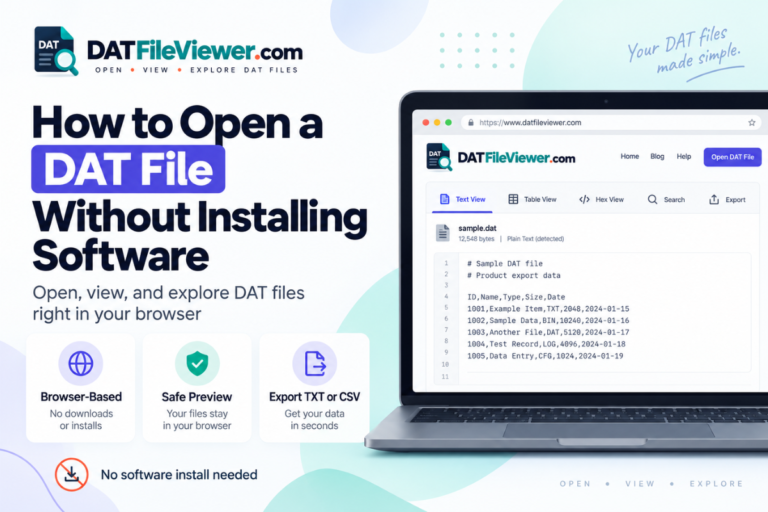
Our DAT File Viewer can detect common comma, tab, semicolon, and pipe-separated records and display suitable files in a table view.
If your application DAT file appears to contain records, see How to View a DAT Database File.
Other Application DAT Files Are Completely Binary
Many applications do not store internal data as normal text.
A binary DAT file may look like this in hexadecimal:
00000000  44 41 54 01 02 00 00 00  18 A4 00 FF 22 01 90 04
00000010  2B 00 10 00 C1 4D 18 00  52 45 43 4F 52 44 00 01
00000020  90 12 B8 44 00 00 03 18  72 0A 31 C4 00 18 9F 20
This does not mean the DAT file is damaged.
It only means a text editor is not the right way to interpret the bytes.
If you are unsure which case you have, use How to Tell Whether a DAT File Is Text or Binary.
Applications Use DAT Files for Cache Data
Caches help software avoid repeating work.
An application might cache:
- Downloaded information
- Search indexes
- Thumbnail data
- Recently used records
- Generated previews
- Processed resources
The cache may be stored in a DAT file because users are not expected to open it directly.
Some cache files can be recreated if deleted, while others may contain useful state. Do not assume it is safe to remove a DAT file just because the filename contains the word cache.
DAT Files Can Store Application Indexes
An index tells software where to find other information.
For example, a large application may have one DAT file that contains resources and another file that stores offsets or identifiers.
A simplified index might look like this:
ID     RESOURCE         OFFSET       SIZE
001    template_01      0x00001000   4096
002    icon_save        0x00002000   2048
003    help_text        0x00002800   8192
If you delete or modify an index without understanding it, the application may no longer be able to locate its data.
DAT Files Can Store Session or Application State
Some programs save information about what you were doing before the application closed.
This can include:
- Open tabs
- Window positions
- Recent documents
- Workspace settings
- Current project information
- Temporary selections
The application may read this data the next time it starts and restore part of the previous session.
How an Application DAT File May Be Used
Program starts
The application checks for its DAT files.
Data is loaded
Settings, indexes, records, or state are read.
Program runs
The data may be updated while the user works.
Changes are saved
The DAT file may be rewritten or updated.
Not every program follows this exact process, but it shows why application DAT files may change even when you never open them yourself.
Can Application DAT Files Contain Images, Audio, or Video?
Yes.
Applications can package many types of resources in DAT files.
A program might store:
- Interface icons
- Thumbnails
- Notification sounds
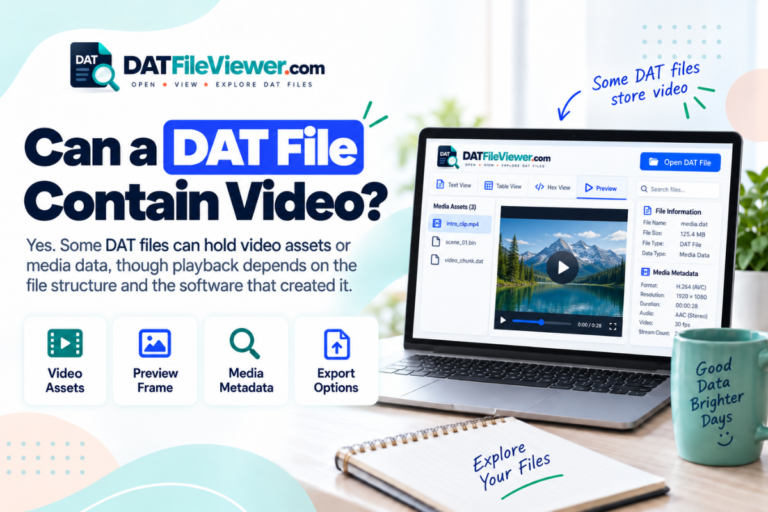
- Tutorial videos
- Templates
- Help resources
That does not make DAT an image, audio, or video format. It means the application created a container that can hold those resources.
For specific examples, see Can a DAT File Contain Images?, Can a DAT File Contain Audio?, and Can a DAT File Contain Video?.
Application DAT Files vs Normal User Documents
| Feature | Application DAT file | Normal user document |
|---|---|---|
| Main purpose | Used internally by software | Created mainly for the user |
| Format | May be custom or proprietary | Usually follows a known format |
| Readable in text editor | Sometimes | Depends on document type |
| Safe to edit manually | Not always | Usually through its normal application |
| May contain indexes or raw binary data | Yes | Possible, but not the main distinction |
How Can You Tell What an Application DAT File Is Used For?
Start with its location.
The folder name can be one of the strongest clues.
Inside a settings folder
The file may contain preferences, saved options, or application state.
Inside a cache folder
The DAT file may hold temporary or reusable processed information.
Next to database files
It may contain records, indexes, or related application data.
Inside a resources folder
The file may contain graphics, sounds, templates, or packaged assets.
Also check the filename, nearby files, readable strings, and the program that created it.
Our guide How to Find Out What Created a DAT File explains how to use those clues together.
Should You Open an Application DAT File?
You can inspect it, especially if you are trying to understand what it contains.
A useful first step is to check whether the file is readable text or binary.
Should You Edit an Application DAT File?
Only when you understand its structure and know the software can tolerate the change.
A simple text settings file may be easy to edit. A binary DAT file can be much more fragile.
Application DAT files may contain:
- Fixed record lengths
- Internal offsets
- Checksums
- Indexes
- Version information
- Encoded values
Changing one part without updating related information can make the file unusable.
Can You Delete an Application DAT File?
That depends on what the file does.
Some DAT files are disposable caches. Others contain settings, saved state, databases, or resources required for the application to start.
Do not delete a DAT file based only on its extension.
Identify its role first. If the application documentation says the file can be regenerated, deletion may be safe. If the purpose is unknown, leave it in place.
Can You Rename an Application DAT File?
Renaming the extension does not convert the format.
Changing:
records.dat
to:
records.txt
does not turn binary records into text.
It also may stop the application from finding the file if it expects the original name.
Are Application DAT Files the Same Across Programs?
No.
A photo application, accounting program, game, database tool, and messaging app can all use DAT files for completely different purposes.
Even two versions of the same program may change the internal structure.
This is why generic DAT tools are useful for inspection but cannot always interpret every proprietary field.
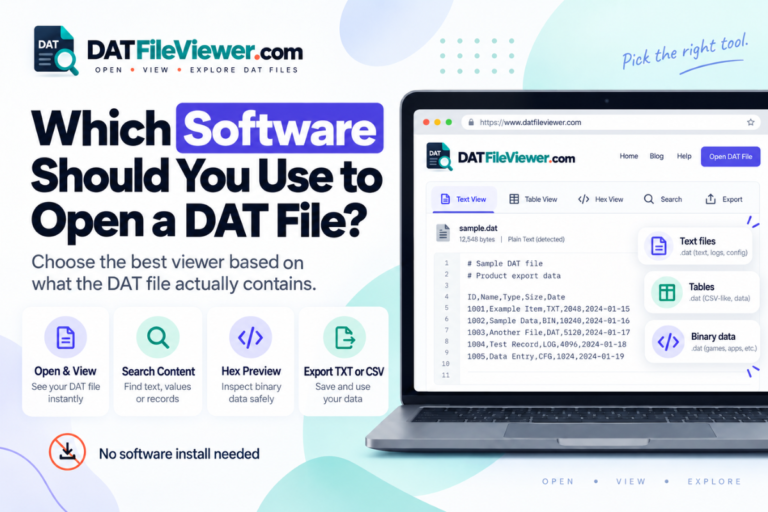
A general viewer can show readable text, table-like records, and raw hexadecimal bytes. The original application still has the best knowledge of its own private format.
What If the DAT File Shows Strange Characters?
The file may simply be binary.
Strange characters do not automatically mean corruption.
Switch to hexadecimal view and look for readable strings, headers, application names, or repeated structures. If the file belongs to known software, compare what you find with its folder and filename.
The distinction between readable and binary content is covered in Text DAT Files vs Binary DAT Files.
Found a DAT File Inside an Application Folder?
Inspect its readable text, table structure, searchable strings, and binary bytes before editing, renaming, or deleting it.
View Your DAT FileFrequently Asked Questions
What are application DAT files used for?
They can store settings, cached information, application state, database records, indexes, resource data, and other information used internally by software.
Are application DAT files important?
Some are. A DAT file may contain required program data, while another may only contain a rebuildable cache. The extension alone does not tell you which case applies.
Can I open an application DAT file?
Yes, for inspection. Text DAT files can be read directly, while binary files are better examined with a hex view or the original application.
Can I edit a DAT file used by an application?
Sometimes, especially if it contains simple text settings. Binary or proprietary files should not be changed unless you understand their structure.
Can I delete an application DAT file?
Do not delete it until you know its purpose. Some DAT files are temporary caches, while others contain required settings, records, or application resources.
Why does an application DAT file look unreadable?
It may contain binary data. Binary files often display as strange characters in text editors even when the data is valid.
Can application DAT files contain media?
Yes. Software can package images, audio, video, thumbnails, templates, and other resources inside DAT files.
Application DAT Files Are General-Purpose Internal Storage
Applications use DAT files because they provide a flexible place to store information that does not need a standard user-facing extension.
The file may hold readable settings, structured records, cached data, indexes, session state, or complex binary resources.
There is no universal application DAT format. The software that created the file decides what goes inside and how it should be interpreted.
If you find an unknown DAT file in an application directory, inspect it before changing anything. Check whether it is text or binary, search for useful strings, look at nearby files, and identify the source program.
You can open the DAT file online to inspect text, table, search, and hex views before deciding whether the original application or another tool is required.