What Is a DAT File? Complete Beginner’s Guide
A DAT file is a data file that uses the .dat filename extension. The important part is that DAT is not one specific file format. Different programs can use DAT files to store completely different kinds of information.
One DAT file might contain readable text. Another might hold a table of records. A third could contain game resources, media, settings, cached information, or binary data that only the program that created it can understand.
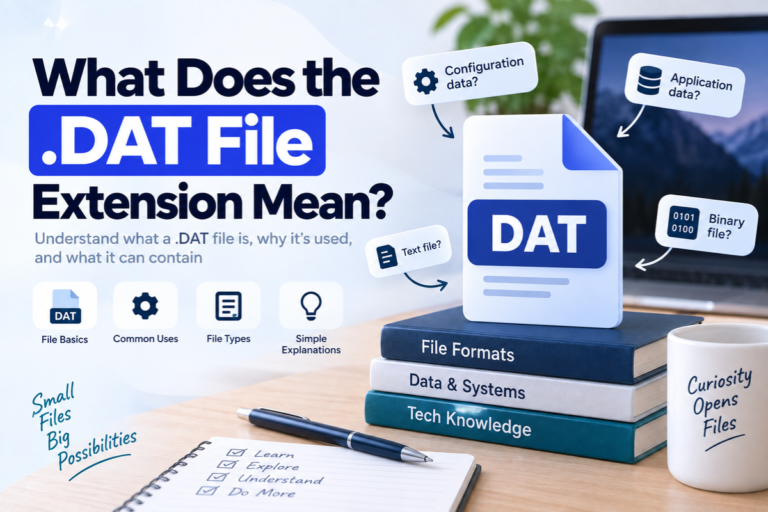
A DAT file is a general-purpose data file. The .dat extension tells you that the file stores data, but it does not tell you exactly how that data is structured or which program should open it.
What Does DAT Stand For?
DAT generally means data. A developer may choose the extension when an application needs a file for storing information but does not use a more specific extension such as .txt, .csv, .jpg, or .mp4.
This is why the extension gives you only a small clue. It tells you the file is likely used for data, but it does not describe the contents in enough detail to choose the correct software.
The filename
A name such as settings.dat may offer a clue about what the file stores.
The extension
.dat identifies it as a general data file, not as one universal format.
The contents
The actual bytes inside the file determine whether it is text, structured data, media, or something proprietary.
Are All DAT Files the Same?
No. This is the most important fact to understand about DAT files.
A Word document has a known document format. A JPEG file follows a recognized image format. A DAT file does not have one standard structure shared by every application.
Software developers can use the extension for many different purposes.
What Does a Text DAT File Look Like?
A simple DAT file may contain ordinary text that you can read in Notepad, TextEdit, another text editor, or a DAT viewer.
For example:
username=alex
language=en
theme=dark
autosave=true
backup_interval=30
There is nothing special about the text itself. The program that created the file simply chose .dat as the extension.
Another DAT file might contain table-like data:
id|product|stock|price
101|Keyboard|34|29.95
102|Mouse|57|18.50
103|Monitor|12|189.00
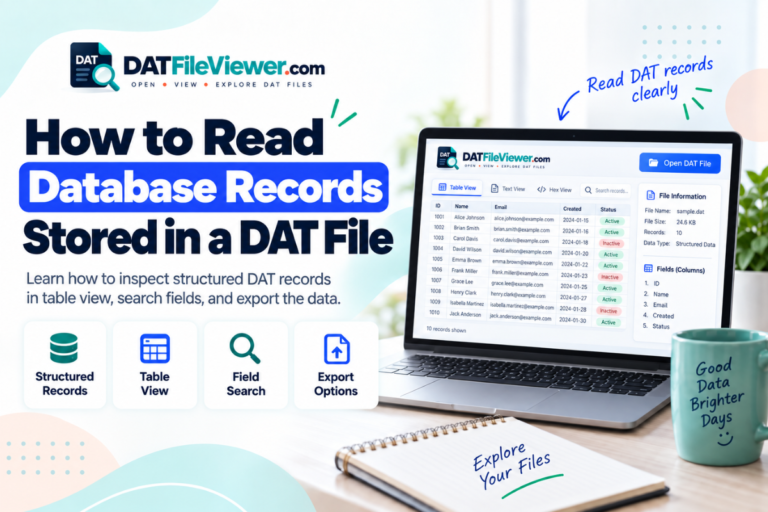
This file uses pipe characters to separate fields. It could potentially be displayed as a table or imported into spreadsheet software.
What Is a Binary DAT File?
A binary DAT file stores information as bytes that are meant to be interpreted by software. If you open it in a basic text editor, you may see strange symbols, empty boxes, broken characters, or small pieces of readable text mixed with unreadable content.
That does not automatically mean the file is corrupt.
A hexadecimal view of binary data might look like this:
00000000  44 41 54 01 00 20 00 00  7A 18 FF 32 00 00 01 A4
00000010  10 00 2B 8F 90 11 04 00  52 45 43 4F 52 44 00 08
00000020  91 02 A7 3F 00 00 00 1C  22 18 04 B1 09 00 7F 31
A hex viewer represents every byte using hexadecimal numbers from 00 to FF. This can help you inspect a binary DAT file even when the contents cannot be shown as normal text.
Unreadable does not mean broken. A DAT file full of unusual characters may be a perfectly valid binary file. The original application may understand it even though a text editor does not.
Why Do Programs Create DAT Files?
Programs need somewhere to store information that should remain available after the application closes. A DAT file is one way to do that.
Software may use DAT files for:
- User preferences and configuration values
- Program databases and records
- Game resources and level information
- Cached data
- Indexes used to locate other information
- Logs and history
- Device data
- Application resources
- Media or multimedia content
- Temporary or intermediate data
There is no rule saying a DAT file must be readable by a person. In many cases, the file exists only so the application can read it.
What Programs Open DAT Files?
The correct program depends on the contents.
| What the DAT file contains | Good tool to try | What it can do |
|---|---|---|
| Readable text | Text editor | Display settings, logs, messages, and other text. |
| Delimited rows and columns | Spreadsheet software | Separate values into columns when a consistent delimiter is used. |
| Unknown data | DAT file viewer | Inspect text, tables, and binary content before choosing other software. |
| Binary information | Hex viewer | Display the underlying bytes and readable strings. |
| Proprietary data | Original application | Interpret the private format correctly. |
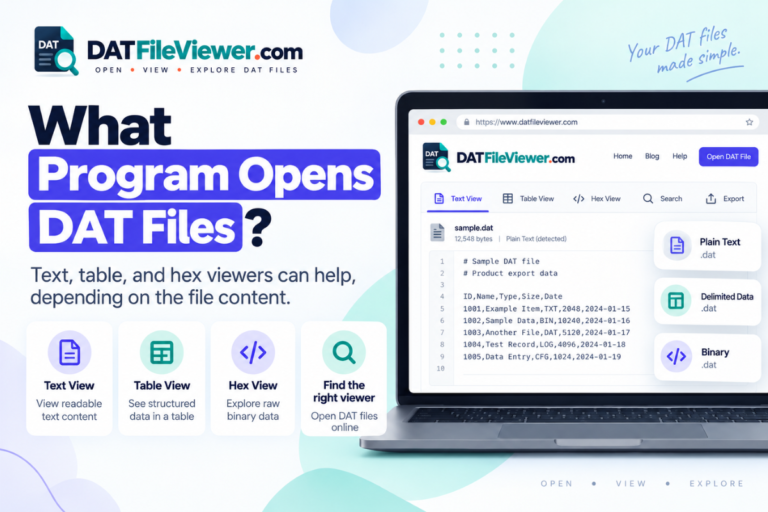
If you only need to find out what is inside a file, you can start with our DAT File Viewer. It can display text, detect common table separators, show tabular data when possible, and provide a hex view for binary files.
How Do You Find Out What a DAT File Contains?
If you receive a DAT file without any explanation, use a simple inspection process rather than guessing.
Check where the file came from
Look at the folder, email, program, device, or website that produced it. A file inside a game’s installation directory probably belongs to that game. A file exported from business software probably belongs to that application.
Inspect the file without changing it
Open it in a viewer or text editor. Look for readable words, headings, paths, names, dates, or repeated separators.
Check whether the data forms a table
If each line follows the same pattern and uses commas, tabs, semicolons, or pipes, the file may contain structured text.
Switch to hex for binary content
If normal text is unreadable, a hexadecimal view can reveal raw bytes and sometimes useful embedded strings.
Use the original program when necessary
If the DAT file uses a private format, the software that created it may be the only program that can fully interpret the information.
If you do not recognize the file, the guide on how to open an unknown DAT file safely covers sensible checks before you interact with it.
Can You Open a DAT File With Notepad?
Yes, if the file contains text.
Opening a DAT file in Notepad does not damage it simply because the extension is unfamiliar. However, you should avoid editing and saving an application file unless you understand its structure. Even a small change could make the original software unable to read it.
If Notepad shows mostly unreadable symbols, the file may be binary. A different tool may be more appropriate.
Can Excel Open a DAT File?
Sometimes.
Excel can be useful when a DAT file contains delimited text. For example, data separated by commas, tabs, semicolons, or pipes may be imported into columns.
Excel cannot automatically decode every DAT file. A binary database, game resource, or application cache will not become a spreadsheet just because you open it with Excel.
Can You Rename a DAT File to Another Extension?
You can rename the filename, but doing so does not convert the underlying file.
customers.dat to customers.csv does not transform its contents into CSV. If the file already contains CSV-formatted text, the new extension may help a spreadsheet program recognize it. The actual data remains unchanged.
The same rule applies to TXT, JPG, MP4, XLSX, and other extensions. Real file conversion requires reading the original format and writing the data in the new format.
Are DAT Files Dangerous?
A DAT file is not dangerous simply because it has a DAT extension. Many legitimate applications use DAT files every day.
You should still use normal caution with files from unknown or untrusted sources. Do not run unfamiliar programs just because someone says they are needed to open the file. Keep your operating system and security software updated, and avoid modifying application files without a backup.
If you only want to inspect an unknown file, viewing its contents is often a better first step than installing unfamiliar software.
How to Open a DAT File on Different Devices
The underlying idea is the same on every platform. First identify the contents, then choose an appropriate tool.
For step-by-step instructions, see our guides for opening DAT files on Windows 11, Windows 10, and Mac.
We also have separate instructions for Android, iPhone and iPad, and Linux.
If you would rather avoid installing a program, see how to open a DAT file without installing software.
Have a DAT File You Do Not Recognize?
Inspect the contents before guessing which application you need. View readable text, table-style data, search results, and hexadecimal bytes directly in your browser.
Open DAT File OnlineFrequently Asked Questions
What exactly is a DAT file?
A DAT file is a general data file that uses the .dat extension. It can contain text, structured records, binary information, media, settings, or proprietary application data.
What does the .DAT file extension mean?
The extension generally means that the file stores data. It does not identify one universal format or guarantee that a specific program can open it.
Why can I not read my DAT file?
The file may contain binary data or use a proprietary format. It may also use a text encoding your current editor is not displaying correctly. Unreadable text alone is not proof that the file is corrupt.
What is the easiest way to open a DAT file?
If you do not know what created it, inspect the file with a DAT viewer first. That can help you decide whether you need a text editor, spreadsheet program, hex viewer, media player, or the original software.
Is a DAT file a database?
It can be, but not every DAT file is a database. Some applications store records in DAT files, while others use the same extension for settings, resources, caches, logs, or unrelated binary data.
Can a DAT file contain an image or video?
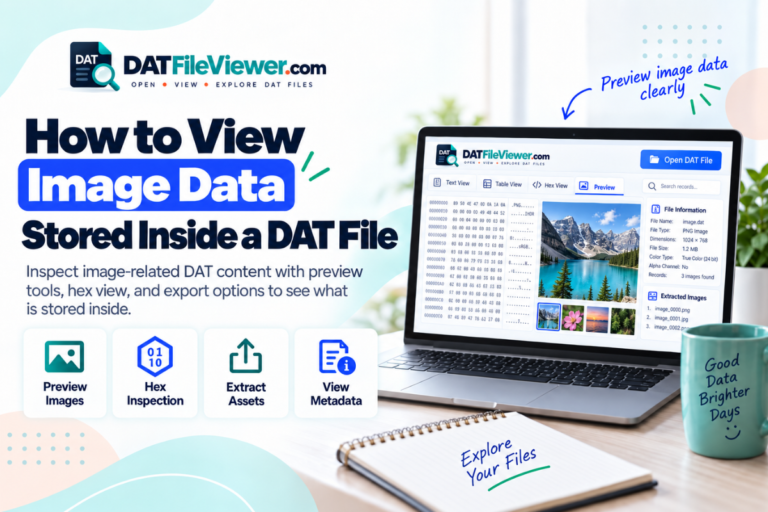
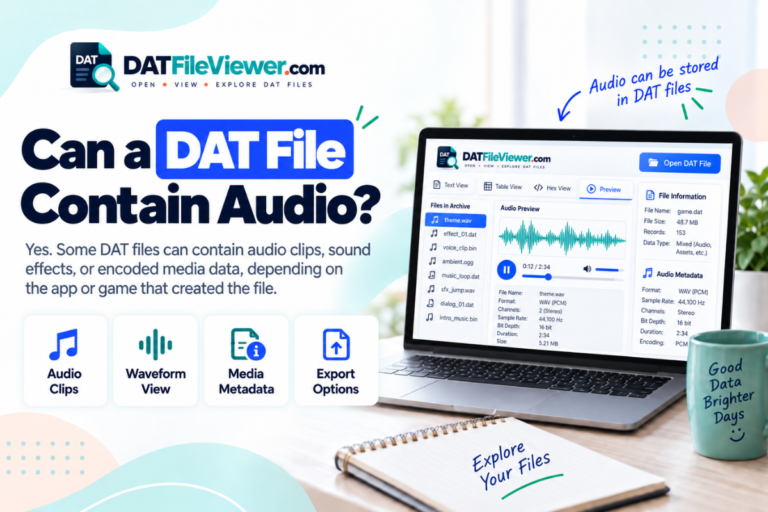
Yes, some DAT files can contain media data or resources related to images and video. The extension alone does not tell you whether media is present.
Should I delete DAT files?
Do not delete a DAT file just because you do not recognize it. If it belongs to installed software, a game, or a device, removing it could cause lost settings or program errors. Identify its source first.
The Main Thing to Remember
A DAT file is best understood as a container for application data, not as one fixed document format.
The extension alone cannot tell you exactly what is inside. A DAT file could be readable text, a table, binary records, media, or a private format created for one application.
Start with the source of the file and inspect the contents. If the text is readable, a normal editor may be enough. If the data is structured into rows, a spreadsheet tool may help. If the file is binary, use a hex view. If it belongs to a known application, that application is often the best tool for interpreting it.
When you are unsure, you can view your DAT file first and use what you find to decide on the next step.