How to Open a DAT File Without Installing Software
You do not always need to install a program to open a DAT file. Many DAT files can be inspected with tools already on your computer, phone, or tablet. You can also use a browser-based DAT viewer when you do not know what type of data the file contains.
The important thing to understand is that .dat is not one standard file format. A DAT file can contain plain text, rows of data, video, settings, email information, or binary data created for a specific program.
This means there is no single method that works for every DAT file. The best approach is to inspect the file first and use the simplest tool that fits the content.
Can You Open a DAT File Without Installing Software?
Yes. You can often use a browser, Notepad, TextEdit, built-in file previews, spreadsheet software you already have, or standard Linux commands. If the file belongs to a specific application, you may still need that application to understand the data correctly.
Start by Finding Out What Is Inside the DAT File
Do not start by downloading random DAT opener software.
First, look at the file name, size, location, and source. These details can tell you a lot.
A file named settings.dat inside a program folder probably contains application data. A file named video.dat may contain media. A file downloaded from a business system may contain records.
Readable Text
Try a built-in text editor or browser viewer.
Rows and Columns
Use Table view or a spreadsheet tool you already have.
Unreadable Data
Inspect the file in Hex view before doing anything else.
Before You Open the File
- Check where the file came from.
- Keep an untouched copy of important files.
- Check whether the file size is greater than 0 bytes.
- Do not rename the original file just to make it open.
- Do not install unknown software from an unfamiliar website.
Method 1: Use an Online DAT File Viewer
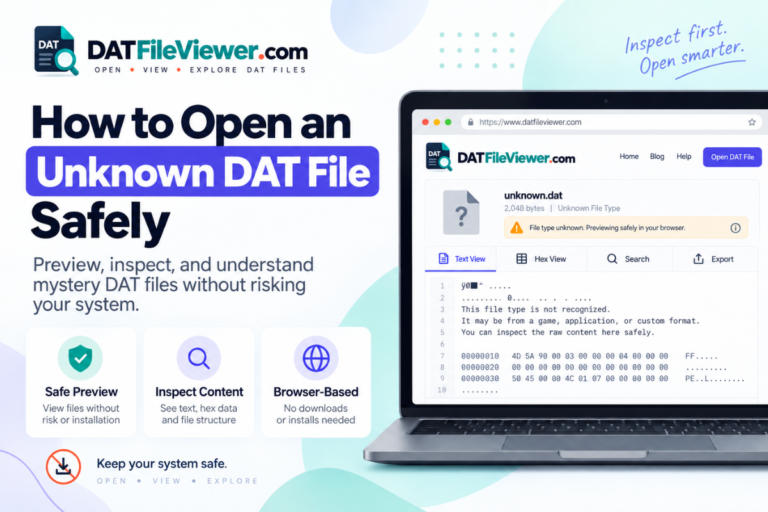
A browser-based DAT file viewer is the easiest option when you do not know what is inside the file.
You do not need to choose between a text editor, spreadsheet, hex editor, and media player before you understand the file. A viewer can give you a first look at the contents.
Our DAT File Viewer provides three useful views.
| View | Use It For | What It Helps You Find |
|---|---|---|
| Text | Readable DAT files | Names, settings, dates, logs, notes, and other text |
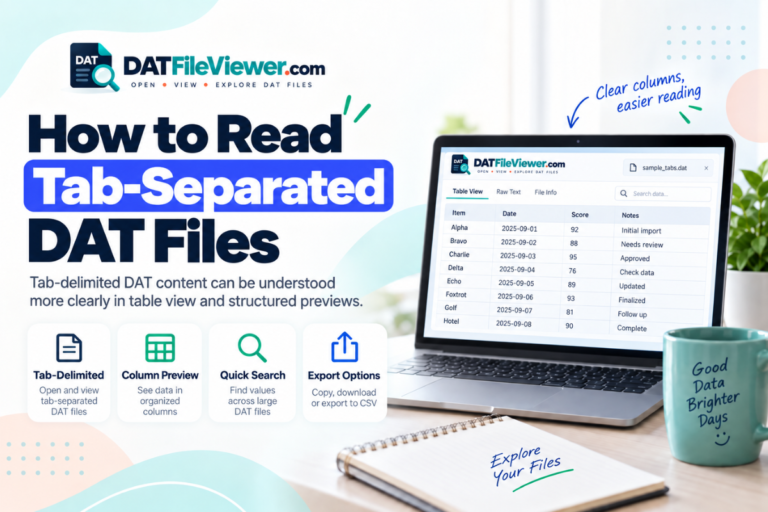
| Table | Delimited records | Rows and columns separated by commas, tabs, semicolons, or pipes |
| Hex | Binary or unknown DAT files | Raw bytes when normal text cannot be displayed |
How to Open a DAT File in Your Browser
The process is simple if you only want to inspect the file.
The DAT File Viewer on this site is designed to process the selected file in your browser. The viewer plugin does not provide a WordPress upload endpoint for the DAT file.
Open Your DAT File Without Installing an App
Inspect readable text, structured records, and binary data directly in your browser before deciding whether you need other software.
Open DAT File ViewerMethod 2: Use a Built-In Text Editor
Many DAT files are simple text files. In that case, you may already have everything you need.
On Windows, try Notepad. On a Mac, try TextEdit. Linux users can use tools such as less, cat, Vim, Nano, or a desktop text editor that is already installed.
A text-based DAT file may contain something like:
Example DAT ContentUserID=2048 Name=Maria Status=Active Language=en LastLogin=2026-09-15
If the content looks like normal words, values, dates, or settings, the file is probably plain text.
If you are on Windows 11, see our guide on how to open a DAT file on Windows 11. Windows 10 users can follow our Windows 10 DAT file guide.
A program may depend on the exact values inside the DAT file. Read it first. Edit only when you know what the file does.
Method 3: Use Built-In File Preview Tools
Some operating systems can preview a file without fully opening it.
On macOS, Quick Look is useful. Select the DAT file in Finder and press the Space bar. If macOS recognizes the contents, you may see a preview.
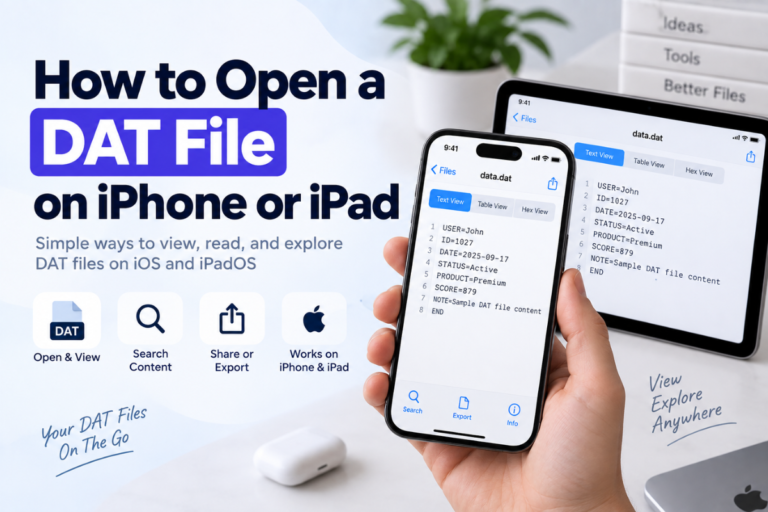
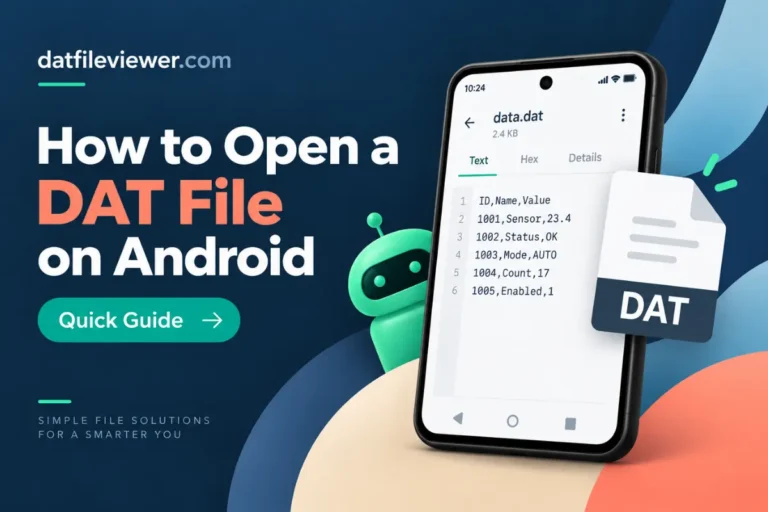
Mobile devices also include basic file preview features. On an iPhone or iPad, open the file in the Files app. Android users can try the device’s file manager.
These preview tools will not decode every DAT file. Still, they are worth trying because they do not require extra software.
For device-specific instructions, see our guides for opening DAT files on Mac, opening DAT files on Android, and opening DAT files on iPhone or iPad.
Method 4: Open Table Data With Software You Already Have
Some DAT files contain rows of structured data rather than normal paragraphs.
You may see something like:
Structured DAT FileID,Name,City,Status 1001,James,London,Active 1002,Sarah,Bristol,Active 1003,Daniel,Leeds,Inactive
This file uses commas to separate the values.
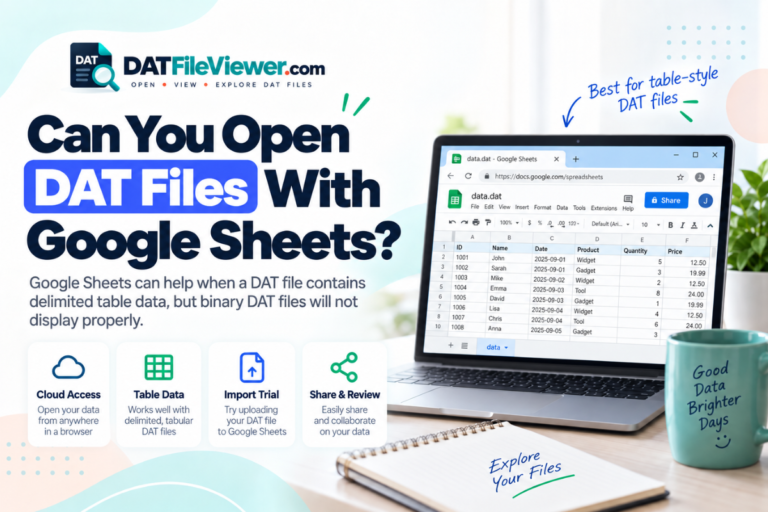
If you already have Excel, Numbers, LibreOffice Calc, or another spreadsheet program installed, you may be able to import the file without downloading anything new.
A browser-based Table view can also help you check the structure before you try to import it.
If you save the information as CSV, create a new file rather than overwriting the original DAT file.
Method 5: Use Built-In Linux Commands
Linux users have several powerful tools available without downloading a dedicated DAT opener.
Start with:
Linuxfile sample.dat
The file command attempts to identify the contents.
If it is text, you can read it with:
Linuxless sample.dat
If it is binary but may contain readable strings:
Linuxstrings sample.dat
For raw hexadecimal data:
Linuxxxd sample.dat | head
Our full guide to opening DAT files on Linux explains these commands in more detail.
Can You Open a Video DAT File Without Installing Anything?
This depends on your device and what software is already available.
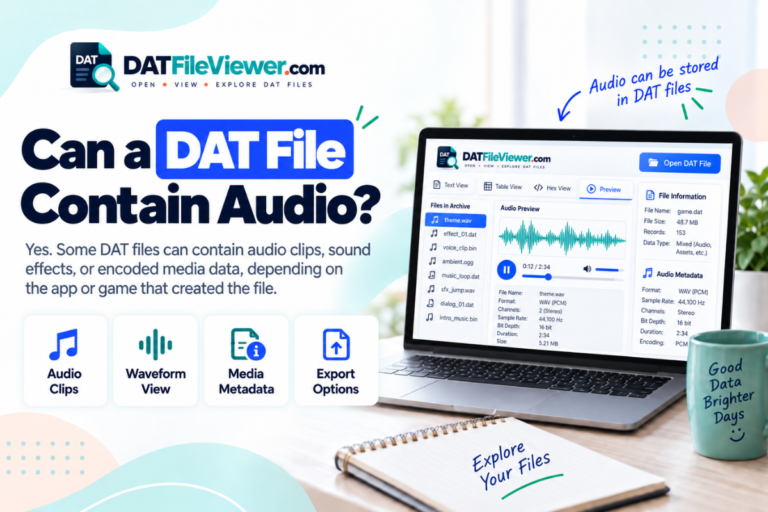
Some DAT files contain video data. If your current media player already understands the format, it may open the file.
If your browser or built-in player does not recognize it, you may eventually need a compatible media player such as VLC.
Do not assume that every DAT file is video. A DAT file from a database, game, or business application will not become playable media simply because you open it in a video player.
What if the DAT File Is Binary?
A binary DAT file usually looks unreadable when opened in a text editor.
You may see symbols, empty boxes, or random characters.
That does not mean the file is damaged. Many programs store information in binary form because it is compact and efficient.
In Hex view, the contents may look like this:
Binary DAT Example00000000 44 41 54 00 10 21 7F 01 00000008 00 08 4C 92 FF 10 00 2A 00000010 31 04 00 81 42 A0 10 00
A hex view can confirm that the file is binary, but it cannot automatically explain a custom format.
If the DAT file belongs to a specific application, that application may be the only practical way to interpret it.
Can You Rename a DAT File Instead?
Renaming a file does not convert the contents.
For example, changing:
Beforerecords.dat
to:
Afterrecords.txt
only changes the file name.
If the DAT file already contains plain text, the TXT extension may make it easier for an app to recognize. If the file contains binary data, renaming it will not make the information readable.
Always experiment with a copy, not the original.
Which No-Install Method Should You Use?
| Your DAT File | Try First | Installation Needed? |
|---|---|---|
| Unknown format | Browser-based DAT File Viewer | No |
| Plain text | Built-in text editor | No |
| Table-style data | Table view or an existing spreadsheet app | No, if already available |
| Binary data | Hex view | No |
| Linux DAT file | file, less, strings, or xxd | Usually no |
| Program-specific DAT file | The original application | Only if you do not already have it |
| Video DAT file | Your existing media player | Depends on compatibility |
Why an Online DAT Viewer Is Useful for Unknown Files
The biggest advantage is that you can inspect the file before deciding what software you need.
For example, if Text view shows readable settings, you know you do not need a video player. If Table view detects rows and columns, you can move toward CSV or spreadsheet software. If the file is binary, you know that changing the extension to TXT is unlikely to help.
This saves time and reduces the temptation to install random “DAT opener” programs.
It is especially useful on shared computers, work devices, Chromebooks, phones, tablets, or any device where you do not want to install another application.
Before using an online viewer, check how the site handles your file. Sensitive business records, personal information, confidential documents, or proprietary data should only be processed using a method you trust.
Frequently Asked Questions
Can I open a DAT file online without downloading software?
Yes. A browser-based DAT viewer can inspect many text, table-style, and binary DAT files without requiring a desktop application.
Can Notepad open a DAT file?
Yes, if the DAT file contains plain text. If Notepad shows random symbols or unreadable content, the file is probably binary, encoded, compressed, or created for another program.
Can I open a DAT file without changing its extension?
Yes. You usually do not need to rename the file. A viewer, text editor, spreadsheet program, or the original application can work with the DAT extension directly.
Do I need special DAT file opener software?
Not always. Many DAT files can be inspected with tools that are already installed or with a browser-based viewer. Proprietary DAT files may still require their original software.
How can I tell whether a DAT file is text or binary?
Open it in Text view or a text editor. Readable words and numbers usually mean it is text-based. If the file is mostly unreadable, use a hex viewer to inspect the binary data.
Final Thoughts
You do not need to install software every time you receive a DAT file.
Start with the tools already available to you. Try a built-in text editor for readable files. Use existing spreadsheet software for structured data. Linux users can inspect files with standard terminal commands.
When you do not know what the file contains, a browser-based DAT file viewer is often the simplest first step. It can tell you whether the file looks like text, table data, or binary information.
If the file belongs to a specific application, use that application when possible. Some DAT formats are proprietary and cannot be fully understood by a generic viewer.
Keep the original file safe while you test. Do not rename or edit important data until you know what it contains.
Open Your DAT File Now
Inspect the file directly in your browser without installing a dedicated DAT opener.
Open DAT File Viewer