How to Open a DAT File on iPhone or iPad
A DAT file does not belong to one standard format, so your iPhone or iPad may not know which app should open it. The right method depends on whether the file contains text, table data, video, email information, or data created for a specific app.
If you tap a DAT file in the Files app and nothing useful happens, the file is not necessarily damaged. Your iPhone or iPad may simply have no app linked to that type of DAT file.
The problem is that .dat is a general file extension. Two files can both end in DAT while storing completely different types of information.
The safest approach is to identify the file first. Once you know what it contains, choosing the right app becomes much easier.
Which Method Should You Try?
- If the file contains readable text, use a text editor.
- If it contains rows and columns, use a table viewer or spreadsheet app.
- If you do not know what it contains, inspect it with a DAT file viewer.
- If it contains video, try a media player.
- If an app created the file, use that app whenever possible.
- If the file is named winmail.dat, treat it as an email attachment issue.
What Is a DAT File?
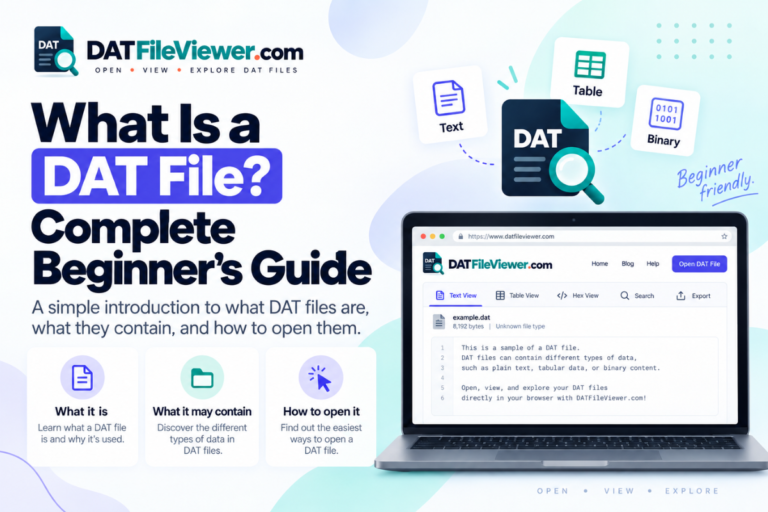
DAT stands for data. Programs use DAT files to store many different types of information.
A DAT file may contain plain text, app settings, database records, video, email information, saved game data, cached files, or binary information used by a specific program.
This makes DAT different from formats such as JPG or PDF. A JPG normally contains an image. A PDF normally contains a document. A DAT file can contain almost anything.
That is why there is no single DAT file opener that works with every file.
If you know which app, website, device, or person created the file, you already have an important clue about how to open it.
Find the DAT File in the Files App
Most DAT files downloaded to an iPhone or iPad will appear in Apple’s Files app.
Check folders such as Downloads, iCloud Drive, On My iPhone, or On My iPad.
Before you open the file, look at its full name and size. Also think about where you received it.
A file named:
Examplesettings.dat
may contain app settings, while:
Examplevideo.dat
may contain media data.
File names are not always reliable, but they can give you a useful starting point.
Try the Built-In File Preview
The Files app can preview many common file types. DAT is not one standard format, so preview support depends on what is inside the file.
- Open the Files app.
- Find the DAT file.
- Tap the file once.
- Check whether iOS or iPadOS shows readable content.
If you only see a generic document icon or an unsupported file message, move to another method.
Open a Text-Based DAT File
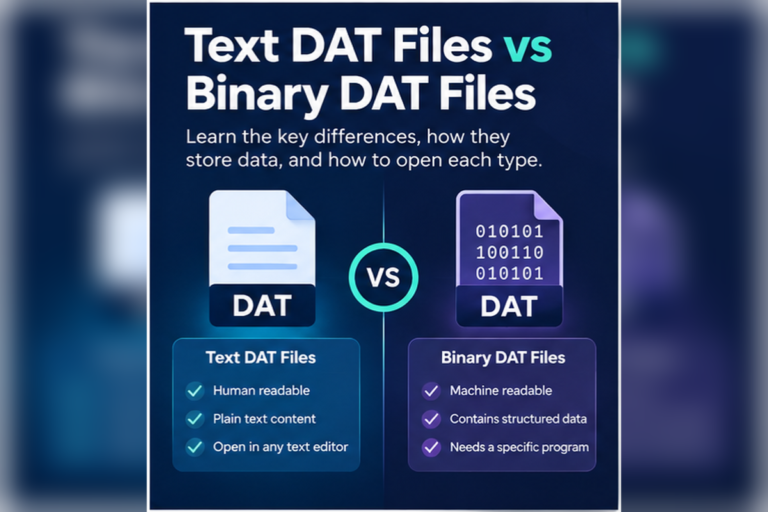
Some DAT files are ordinary text files with a different extension.
If you think your file contains text, try opening it with a trusted text editor that supports files from the Files app.
A readable DAT file might look like this:
Readable DAT DataUserID=7482 Name=Michael Device=iPad Status=Active LastSync=2026-09-15
If you can read normal words, numbers, dates, or settings, the file is probably text-based.
Be careful before editing it. If an app depends on the file, changing a value may stop that app from reading it correctly.
Use a DAT File Viewer for Unknown Files
If you do not know what the file contains, a browser-based DAT file viewer is a useful first step.
It lets you inspect the contents before installing more apps or changing the file extension.
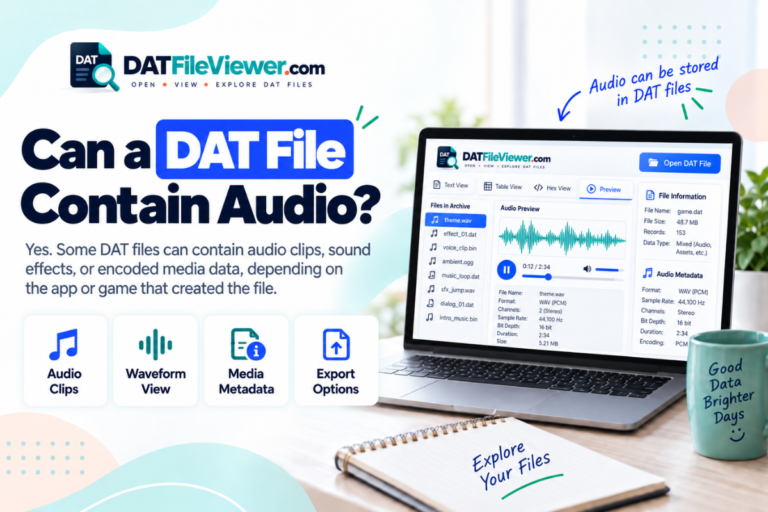
A good viewer may offer Text, Table, and Hex modes.
| View | Best For | What You May See |
|---|---|---|
| Text | Readable DAT files | Words, settings, dates, numbers, and logs |
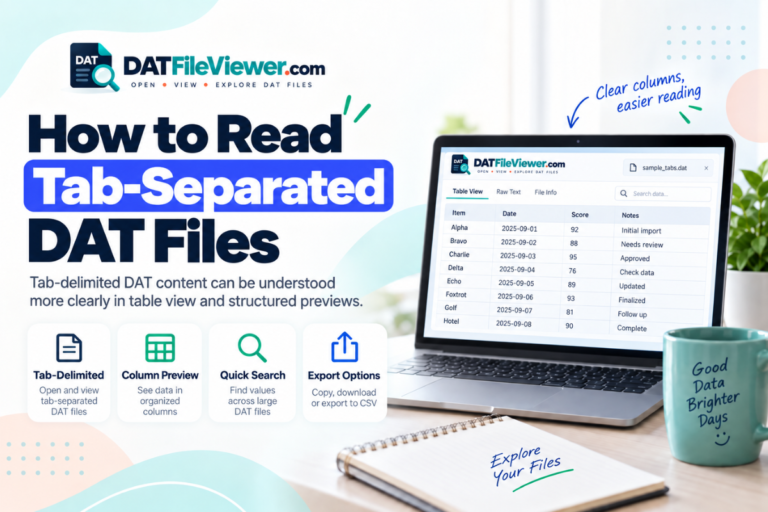
| Table | Structured records | Rows and columns separated by commas, tabs, or similar characters |
| Hex | Binary or unknown data | Raw file bytes shown in hexadecimal form |
Hex view is useful when the file cannot be read as normal text. It does not automatically explain a proprietary format, but it can tell you that the file contains binary data.
Not Sure What Kind of DAT File You Have?
Use our browser-based DAT File Viewer on your iPhone or iPad to inspect text, table data, or binary content before choosing another app.
Open DAT File ViewerOpen DAT Files That Contain Table Data
Some DAT files contain records that look like spreadsheet data.
You may see commas, tabs, semicolons, or another character separating values.
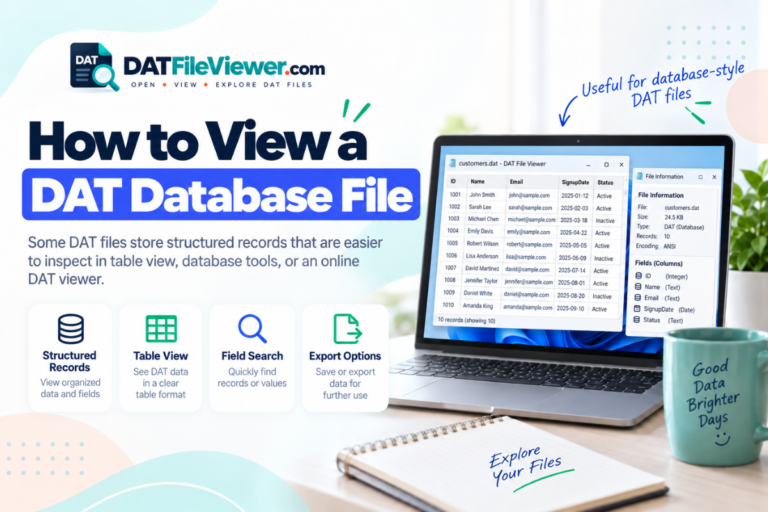
Table-Style DAT FileID,Name,City,Status 1001,Emma,London,Active 1002,James,Bristol,Active 1003,Olivia,Leeds,Inactive
This example uses commas to separate columns.
You may be able to inspect this type of file with a table viewer or import a suitable copy into Numbers or another spreadsheet app.
If you decide to convert it to CSV, keep the original DAT file unchanged.
Try a Media Player if the DAT File Contains Video
Some DAT files contain video. This is more common with older media formats and files copied from certain video systems.
If you already know that the file contains video, a media player such as VLC may be able to open it.
Use the media player’s import or file-opening option to select the DAT file from Files.
Do not use a video player for every DAT file. It will not correctly open database records, app settings, or other program data.
Use the App That Created the DAT File
If you know which iPhone or iPad app created the file, that app is usually your best option.
Apps may use DAT files for backups, offline data, saved records, cached resources, or settings.
The file may not be designed to open when you tap it in Files.
Open the original app and look for options such as Import, Restore, Load, or Open File.
An app may still need the file. Keep a backup before moving, renaming, editing, or deleting it.
How to Open a winmail.dat File on iPhone or iPad
A file named winmail.dat is a special case.
It is often created when an email is sent using certain Microsoft Outlook formatting. The file may contain attachments or formatting information from the original message.
Opening winmail.dat in a normal text editor usually will not help.
One simple option is to ask the sender to resend the email using standard HTML or plain-text formatting and attach the original files again.
You can also use a tool designed specifically to extract attachments from winmail.dat files.
Can You Rename a DAT File on iPhone or iPad?
Yes. The Files app allows you to rename files.
However, changing the extension does not convert the data.
For example, changing:
Beforerecords.dat
to:
Afterrecords.txt
does not turn binary data into readable text.
Renaming only helps when the contents already match the new file type.
Make a duplicate before changing the extension.
How to Tell if a DAT File Is Binary
A binary DAT file usually looks unreadable in a text editor.
You may see random symbols, unusual characters, or no meaningful text at all.
This does not mean the file is damaged.
Many apps store information in binary form because it is compact and efficient.
The file may also be compressed, encrypted, or saved in a format that belongs to one specific application.
In a hex viewer, binary data may look like this:
Example Hex Data00000000 44 41 54 00 32 01 7F 2A 00000008 11 00 9C 4E FF 08 00 20 00000010 61 03 00 42 18 C1 7A 00
This can confirm that the file is binary, but it does not tell you exactly what every value means.
Why Won’t My DAT File Open?
| What Happens | Possible Reason | What to Try |
|---|---|---|
| No compatible app appears | iOS does not recognize the DAT format | Use a DAT viewer or find the app that created it |
| The text is unreadable | The file may be binary or encoded | Use Hex view or the original app |
| The data looks like rows | The file may contain delimited records | Use Table view or a spreadsheet app |
| The file is 0 bytes | The file may be empty | Download it again or request another copy |
| An app refuses to import it | The file may use another format or be damaged | Check the source and expected file type |
Is It Safe to Open a DAT File?
A DAT file is not automatically dangerous, but you should still be careful with unknown files.
Pay attention to files that arrive through unexpected emails, messages, websites, or downloads.
Do not install an unknown configuration profile or app just because a website says you need it to open the file.
If you only want to inspect the contents, start with a trusted viewer or compatible app.
Which App Should You Try First?
| DAT File Appears to Contain | Try This First |
|---|---|
| Readable text | A trusted text editor |
| Rows and columns | Table view or Numbers |
| Unknown data | DAT File Viewer |
| Video | VLC or another compatible media player |
| Binary data | Hex viewer or the original app |
| App backup or internal data | The app that created the file |
| winmail.dat | A winmail.dat extraction tool or a resent email |
Frequently Asked Questions
Can iPhone open DAT files?
Yes, but there is no single built-in app that can open every DAT file. The right app depends on what the file contains.
Can iPad open DAT files?
Yes. Text, table, video, and app-specific DAT files may all require different apps or viewers.
Can I open a DAT file in Numbers?
Numbers may work if the DAT file contains structured text that can be interpreted as rows and columns. It will not decode an arbitrary binary DAT file.
Can I convert a DAT file to TXT?
You can save a DAT file as TXT if it already contains readable text. Changing the extension alone does not convert binary data into text.
Why does my DAT file look like random characters?
The file is probably binary, compressed, encoded, encrypted, or created for a specific application.
Final Thoughts
The main challenge with a DAT file on an iPhone or iPad is not simply opening the file. You first need to work out what kind of data it contains.
Start by checking the file name, source, and location. Try a text editor for readable content. Use a table viewer or spreadsheet app for structured records. Try a media player only when you know the file contains video.
If you have no idea what the DAT file contains, inspect it with a DAT file viewer before renaming it or installing another app.
If an iPhone or iPad app created the file, that app is usually the safest way to open or restore it.
Keep the original file untouched while you test. A backup is especially important when the file contains app data, business records, or information you cannot replace.
Open a DAT File on Your iPhone or iPad
Inspect your DAT file in the browser to see whether it contains readable text, table data, or binary information.
Open DAT File Viewer