How to Open a DAT File on Android
Opening a DAT file on Android is not always as simple as tapping the file. The reason is that .dat is a general file extension. It does not describe one specific type of data.
One DAT file may contain readable text. Another may store video, app settings, database records, email data, or binary information that only one program understands.
Android may show a message saying that no app can open the file. That does not always mean the file is damaged. It often means Android does not know which app should handle that particular DAT format.
This guide explains how to inspect and open a DAT file on an Android phone or tablet without guessing.
In this guide
- What is a DAT file?
- Find the DAT file on Android
- Open a text DAT file
- Use an online DAT file viewer
- Open table-style DAT data
- Open a video DAT file
- Use the app that created the file
- Open a winmail.dat file
- Should you rename a DAT file?
- Why a DAT file will not open
What Is a DAT File?
DAT stands for data. Programs use DAT files to store many different kinds of information.
This makes the format different from a JPG, PDF, or MP3. Those extensions usually tell you what type of content the file contains. DAT does not.
A DAT file may contain text, settings, saved records, database information, video, game resources, email data, or binary information used by an app.
The source of the file matters.
If you know which app, device, or website created the DAT file, you are much more likely to find the correct way to open it.
For example, a DAT file exported by business software may contain records. A DAT file inside a game folder may only make sense to that game. A DAT file attached to an email may contain message information or attachments.
How to Find a DAT File on Android
Start with the file manager on your phone.
Many Android phones include an app called Files, Files by Google, My Files, or something similar.
- Open your phone’s file manager.
- Go to Downloads, Documents, or the folder where the file was saved.
- Look for a file name ending in
.dat. - Check the file name and size before opening it.
- Think about where the file came from.
A file may look like:
Example DAT file
customer-data.dat
The file name may give you a clue. A name such as settings.dat suggests program settings. A file named video.dat may contain media.
Method 1: Open a Text DAT File on Android
Some DAT files are simply text files with a different extension.
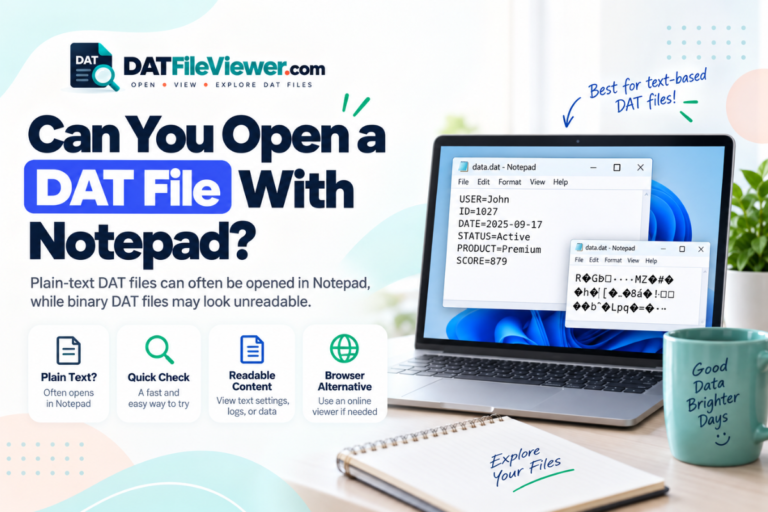
Android may not automatically recognize them as text, but a text editor can often open them.
Tap the file and check whether Android offers a text editor. If not, you can use a trusted text editor that supports opening local files.
A text DAT file may look like this:
Readable DAT content
UserID=4821
Name=Sarah
Status=Active
Device=Android
LastSync=2026-09-15
If you can read normal words, numbers, or settings, the file is probably text-based.
Do not save changes unless you know what the file is used for. If an app depends on the file, editing one line could stop the app from reading it correctly.
Method 2: Use an Online DAT File Viewer
An online DAT viewer is useful when you do not know what type of DAT file you have.
Instead of installing several apps, you can inspect the file in your Android browser.
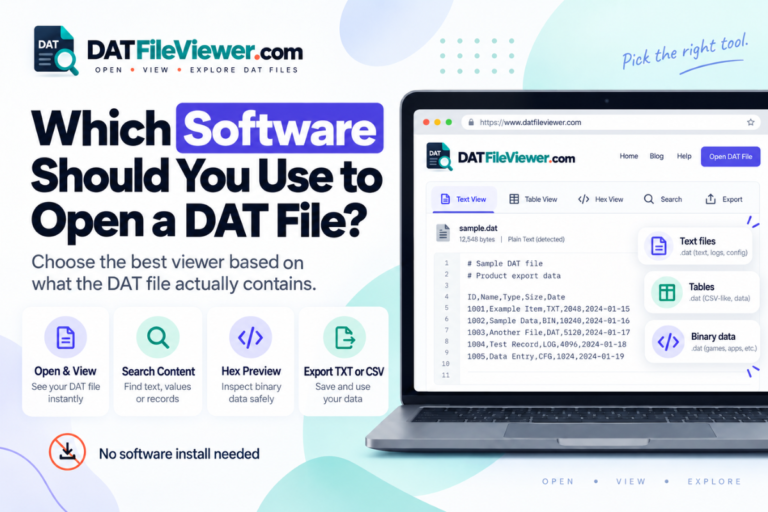
A DAT viewer can help you check whether the file contains readable text, table-style data, or binary content.
| Viewer mode | Useful for | What you may see |
|---|---|---|
| Text | Plain-text DAT files | Words, numbers, settings, logs, and records |
| Table | Delimited data | Rows and columns separated by commas, tabs, or other characters |
| Hex | Binary or unknown files | Raw bytes displayed as hexadecimal values |
Hex view does not automatically turn a binary DAT file into readable information. It simply confirms that the file contains raw binary data rather than normal text.
Not sure what is inside your DAT file?
Open it with our DAT File Viewer to inspect the file as text, table data, or hexadecimal bytes from your Android browser. Open DAT File Viewer
Method 3: Open Table-Style DAT Data
Some DAT files contain rows of structured information.
You may see commas, tabs, semicolons, or pipes between values.
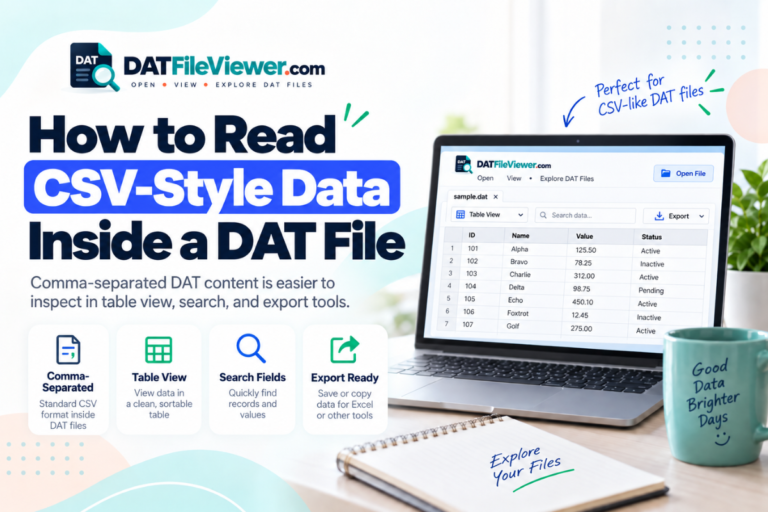
Example table-style DAT file
ID,Name,City,Status
1001,John,London,Active
1002,Sarah,Manchester,Active
1003,David,Leeds,Inactive
This kind of DAT file may be easier to view as a table.
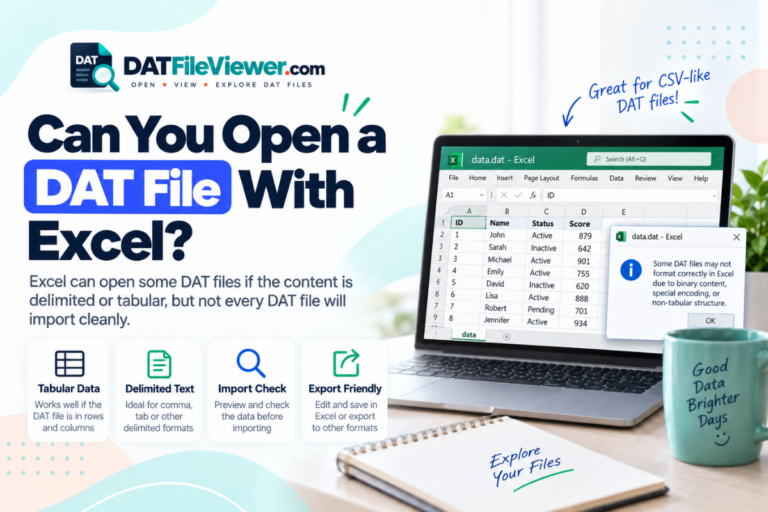
A DAT viewer with a table mode can separate the records into columns. You may also be able to import the file into a spreadsheet app if the data uses a common separator.
If you convert the file to CSV, keep the original DAT file as a backup.
Method 4: Open a DAT Video File on Android
Some DAT files contain video data, especially files created from older video systems or media formats.
If you know that the DAT file contains video, a media player such as VLC for Android may be able to open it.
- Open VLC on your Android device.
- Browse to the folder that contains the DAT file.
- Select the file.
- Check whether VLC recognizes the media stream.
Do not assume that every DAT file is a video. VLC will not correctly open a DAT file that contains database records, game files, settings, or other program data.
Method 5: Use the App That Created the DAT File
This is often the best option when you know the source of the file.
Many Android apps create DAT files for their own internal use. These files may store preferences, offline data, downloaded resources, or database information.
The file may not be designed to open directly from the Android file manager.
Open the original app and look for options such as Import, Restore, Open, or Load.
Be careful with app data.
Do not edit or delete a DAT file from an app folder unless you know what it does. The app may need the file to start or restore saved information.
How to Open a winmail.dat File on Android
A file called winmail.dat is a special case.
It is often created by Microsoft Outlook when an email uses a particular formatting method. The file may contain attachments or formatting information from the original message.
A normal text editor is usually not useful for this type of file.
If you receive winmail.dat by email, the easiest option may be to ask the sender to resend the attachment using standard HTML or plain-text email formatting.
You can also use an app or service designed specifically to extract files from winmail.dat attachments.
Can You Rename a DAT File on Android?
Android file managers often allow you to rename files, including the extension.
However, changing the extension does not convert the data.
For example, changing:
Original
records.dat
to:
Renamed
records.txt
does not turn binary data into text.
Renaming can help only when you already know the DAT file contains a format that another app understands.
Make a copy before changing the extension.
How to Tell if a DAT File Is Binary
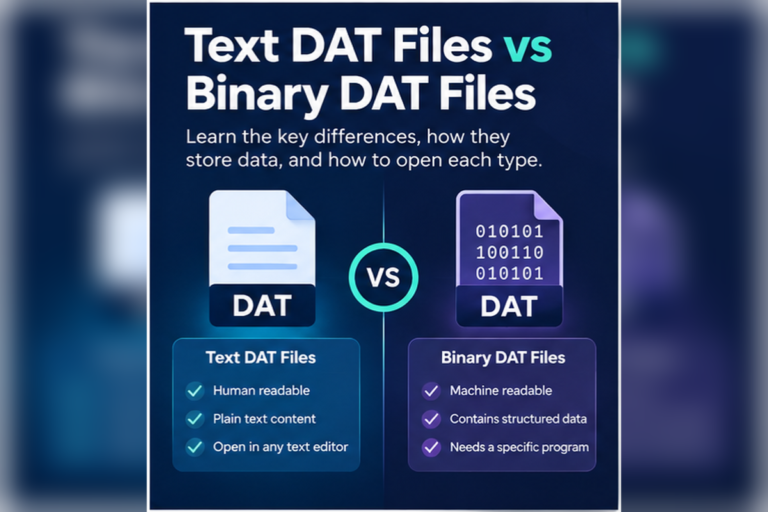
If you open a DAT file in a text editor and see random symbols or unreadable characters, the file may be binary.
Binary DAT files are common because apps can store information in a compact form that is easy for software to process.
A binary file may also be compressed, encrypted, or saved in a proprietary format.
A hex viewer can display the raw bytes, but it will not automatically explain what each value means.
If the file belongs to a particular app, the original app is usually the best way to read it.
Why Won’t My DAT File Open on Android?
There are several common reasons why Android cannot open a DAT file.
| Problem | Possible reason | What to try |
|---|---|---|
| No app can open the file | Android does not know the DAT format | Use a DAT viewer or identify the original app |
| Unreadable symbols | The file is binary or encoded | Try Hex view or the original app |
| Rows look messy | The file contains delimited data | Use Table view or a spreadsheet app |
| File is 0 bytes | The file may be empty | Check another copy or download it again |
| The app rejects it | The format may be proprietary or damaged | Check the file source and use the correct app |
Is It Safe to Open a DAT File on Android?
A DAT file is not automatically harmful, but files from unknown sources should still be treated with care.
Be cautious if the file came from an unexpected email, message, download, or website.
Do not install an unknown APK just because a website claims it is required to open the DAT file.
If you only need to inspect the contents, start with a trusted viewer or text editor.
Which Android App Should You Try?
| DAT file type | Good first option |
|---|---|
| Plain text | A trusted Android text editor |
| Unknown DAT file | DAT File Viewer in your browser |
| Table-style data | Table viewer or spreadsheet app |
| Video data | VLC for Android |
| Binary file | Hex viewer or the original app |
| App-specific DAT file | The Android app that created it |
Quick summary
- Check where the DAT file came from before choosing an app.
- Use a text editor if the file may contain readable text.
- Use a DAT viewer when you do not know the file type.
- Try a table viewer for structured rows and columns.
- Use VLC only when the DAT file is likely to contain video.
- Use the original app for proprietary DAT files.
- Make a backup before editing or renaming an important file.
Frequently Asked Questions
Can Android open DAT files?
Yes, but the correct method depends on the contents. Text DAT files may open in a text editor, video DAT files may open in VLC, and app-specific files may require the program that created them.
What is the best DAT file viewer for Android?
A general DAT viewer is useful for unknown files because it can help you check whether the file contains text, table data, or binary information before you install another app.
Why does Android say no app can open my DAT file?
Android may not have an app linked to that DAT format. The file may also use a proprietary format that only the original application can understand.
Can I convert a DAT file to TXT on Android?
You can save a DAT file as TXT if it already contains readable text. Changing the file extension alone does not convert binary data into text.
Can I open a DAT file with Google Sheets?
Google Sheets may work if the DAT file contains text arranged as rows and columns. You may need to convert or import the data as CSV first.
Why is my DAT file unreadable?
The file may contain binary data, use a different encoding, be compressed, be encrypted, or use a format created for a specific app.
Final Thoughts
Opening a DAT file on Android is easier when you first identify what the file contains.
Do not assume that every DAT file needs the same app. The extension is used by many different programs and can represent very different kinds of data.
Start with the source of the file. Try a text editor for readable content, a table viewer for structured data, and VLC when you know the file contains video.
If you have no idea what the DAT file contains, inspect it with a DAT file viewer before installing extra software or changing the extension.
Keep the original file untouched while you test. A backup gives you a safe copy if an app changes the file or the format turns out to be program-specific.
Open Your DAT File on Android
Use our browser-based DAT File Viewer to inspect readable text, structured table data, and binary DAT files from your Android phone or tablet. Open DAT File Viewer
If your WordPress theme already displays the post title as an H1, remove the first H1 from this HTML so the page does not contain two visible article titles.