How to Find Out What Created a DAT File
The best way to find out what created a DAT file is to combine several clues: where the file came from, its filename, the folder around it, readable text inside the file, and any recognizable information in a hex view.
The .dat extension by itself usually does not identify the program. DAT is a generic extension used by many unrelated applications, games, devices, and data systems.
Check the file’s location before inspecting the contents. A DAT file inside a program folder, game directory, email attachment, device backup, or exported-data folder often gives you the strongest clue about which application created it.
Why the DAT Extension Does Not Identify the Creator
Some filename extensions point to a well-known format. A .jpg file is normally a JPEG image. A .pdf file is normally a PDF document.
DAT is different.
Software developers can use the extension for many types of data. One program may save readable configuration settings as settings.dat. Another may save binary records under the same extension. A game may store resources in DAT files, while a business application may use them for internal database information.
This is why you need more evidence than the extension itself. If you want more background on this, see what the .DAT file extension means and why DAT files are not all the same format.
The Best Clues for Identifying What Created a DAT File
The folder where you found it
A DAT file stored inside an application’s folder is very likely connected to that application. Folder context is often more useful than the filename.
The filename
Names such as gamecache.dat, contacts.dat, or maildata.dat can suggest what kind of software produced the file.
Readable strings inside the file
Program names, website domains, file paths, database labels, usernames, and resource names can point directly to the creator.
The file structure
Plain text, delimited tables, or binary data can narrow down the type of application that may have produced it.
Nearby files
DLL files, executables, configuration files, images, databases, or folders beside the DAT file may reveal the parent application.
Start With the Folder, Not the File Contents
Before opening the DAT file, look at where it is stored.
Installed software
If the DAT file sits beside an application executable or configuration files, that program is a strong candidate.
Game resources
DAT files in game directories may contain maps, textures, indexes, player data, or other game resources.
Business or database export
A DAT file created during an export may contain plain text, delimited records, or a proprietary database structure.
Unknown source
If the file arrived on its own, inspect it before installing software or assuming which application it belongs to.
For an unknown attachment or download, our guide on opening an unknown DAT file safely explains sensible precautions.
Check the Filename for Useful Clues
Developers often choose filenames that describe a file’s purpose even when they use the generic DAT extension.
| Example filename | Possible meaning | What to investigate |
|---|---|---|
settings.dat |
Program preferences | Look for the application using that folder. |
players.dat |
Game or account records | Check for game files or readable player names. |
contacts.dat |
Contact database | Look for email, messaging, or address-book software. |
cache.dat |
Cached application data | Check which application owns the parent folder. |
video.dat |
Possibly media-related data | Do not assume it is video until you inspect the contents. |
A filename is a clue, not proof. Different programs can use the same generic names.
Open the DAT File and Look for Readable Text
If the source is still unclear, inspect the contents without editing the file.
A text-based DAT file might reveal something like this:
app_name=NorthwindManager
version=4.8
user_profile=default
data_path=C:\ProgramData\Northwind\
autosave=true
The application name and file path provide strong clues about which program created the file.
Useful strings to search for include:
- Application names
- Company names
- Website domains
- Folder paths
- File extensions
- Usernames
- Database table names
- Game resource names
- Version numbers
Our DAT File Viewer can display readable text and search visible content, which can make these clues easier to find.
What If the File Is Binary?
A binary DAT file may look mostly unreadable in a text editor. That does not mean you have reached a dead end.
Binary files often contain small readable strings mixed with raw byte values.
00000000  44 41 54 01 20 00 00 08  A4 18 00 FF 21 10 9B 32
00000010  47 41 4D 45 5F 43 41 43  48 45 00 00 14 88 20 01
00000020  74 65 78 74 75 72 65 73  2F 70 6C 61 79 65 72 00
Readable strings such as GAME_CACHE and textures/player suggest that this DAT file may belong to a game.
A hex view is useful because it shows the raw bytes while preserving readable character sequences where they exist.
If you are unsure whether the file is text or binary, see how to tell whether a DAT file is text or binary.
Look at Files Stored Beside the DAT File
Nearby files can reveal the creator even when the DAT file itself contains no obvious name.
Suppose you see this folder:
PhotoCatalog.exe
PhotoCatalog.ini
library.dat
thumbnails/
plugins/
uninstall.exe
The surrounding files strongly suggest that library.dat belongs to PhotoCatalog.
This kind of folder evidence is often more reliable than trying random software until something opens the file.
Check When the DAT File Was Created or Modified
File timestamps can provide another useful clue.
If a DAT file was created at the same time you installed a program, imported data, played a game, connected a device, or ran a backup, that event may explain its source.
Modification time can also be useful. If the file changes every time a particular application runs, there is a good chance that application owns or updates it.
Use File Size as a Supporting Clue
File size cannot identify the creator by itself, but it can help you understand what kind of data might be stored inside.
Small DAT files
A file that is only a few kilobytes may contain settings, indexes, small records, or simple text.
Large DAT files
A file hundreds of megabytes or larger may contain media, game resources, cache data, archives, or large record sets.
These are only general clues. A small binary file can still be complex, and a large DAT file can still contain text.
Check Whether the File Contains Structured Records
If the DAT file contains repeating rows, it may have been exported by database, accounting, inventory, scientific, or business software.
For example:
Similar Posts
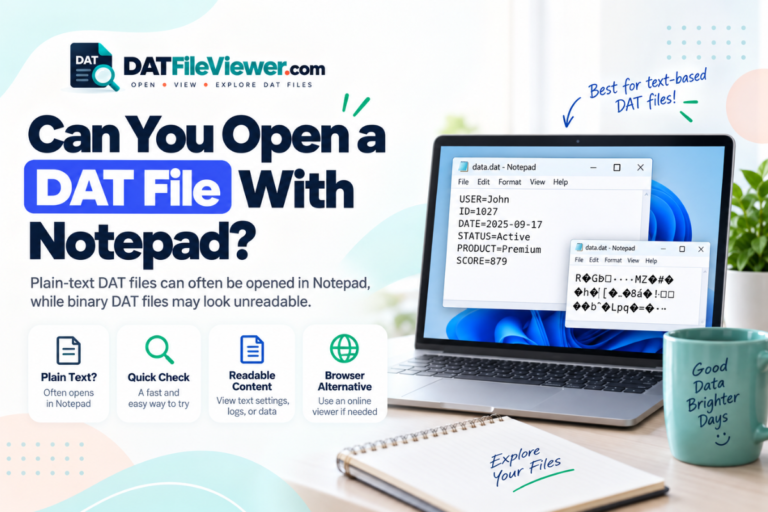
Can You Open a DAT File With Notepad?
Yes, you can open many DAT files with Notepad, but whether the contents make sense depends on what is stored inside the file. If the DAT file contains plain text, Notepad may show everything clearly. If the file contains binary data, application records, media, or a proprietary format, you may see strange characters or unreadable…
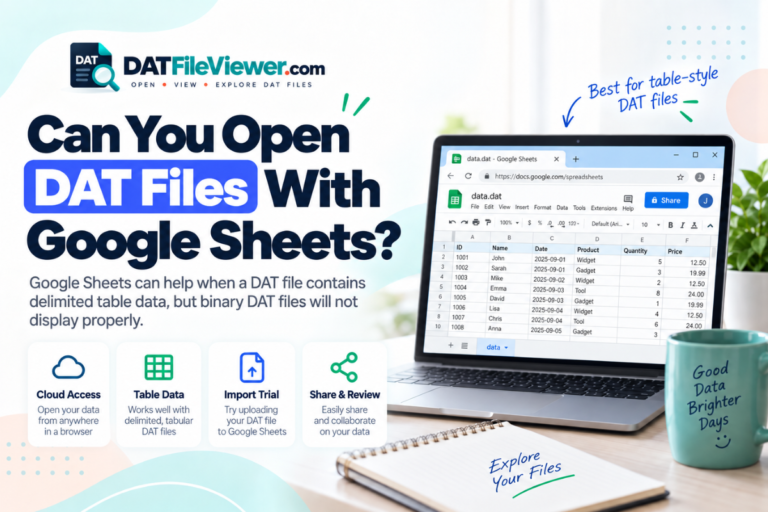
Can You Open DAT Files With Google Sheets?
Google Sheets can work with some DAT files, but it does not treat .dat as one standard spreadsheet format. Whether it works depends on what is stored inside the file. If the DAT file contains readable rows separated by commas, tabs, semicolons, or pipe characters, you can often move that data into Google Sheets. If…
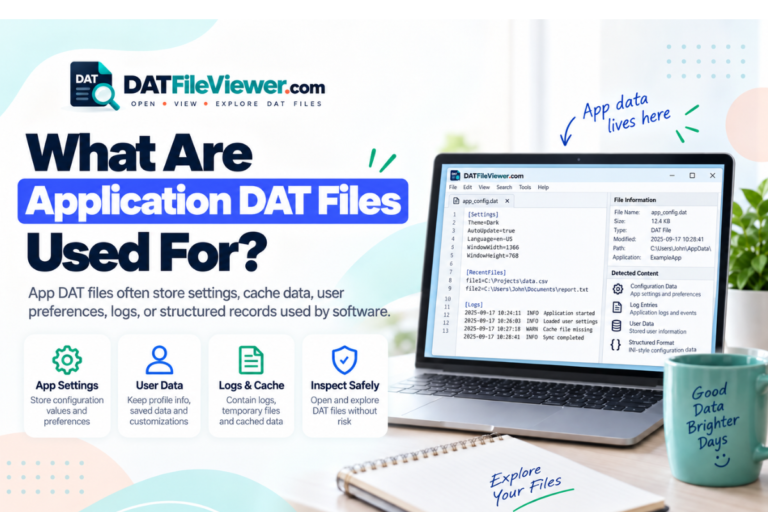
What Are Application DAT Files Used For?
Application DAT files are used to store data that a software program needs while it runs. That data may include settings, cached information, indexes, database records, temporary state, resource references, or other internal information. The important point is that an application DAT file is not one standard format. Each program can decide what goes inside…
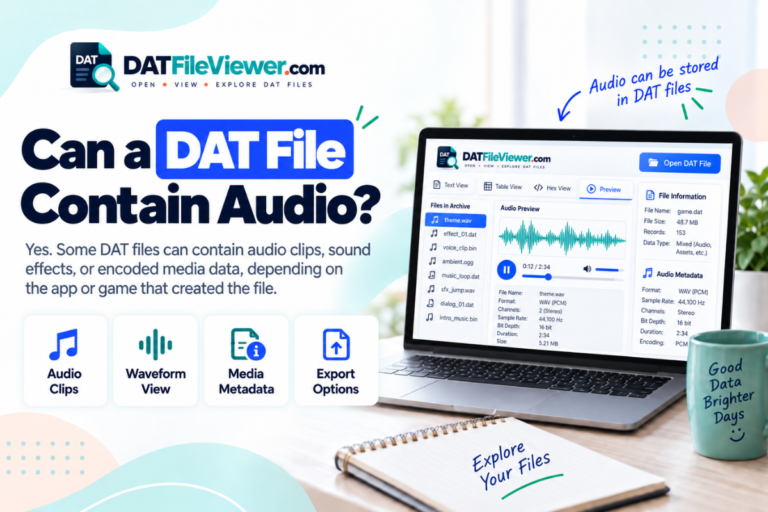
Can a DAT File Contain Audio?
Yes, a DAT file can contain audio. It may store a complete audio stream, several sound effects, music tracks, voice clips, raw sound samples, or audio that forms part of a larger multimedia file. However, DAT is not one audio format. The same extension can also be used for text, database records, images, video, game…
Which Software Should You Use to Open a DAT File?
The right software for a DAT file depends on what is actually stored inside it. Some DAT files are plain text. Others contain tables, application data, game resources, media, or binary records that only the original software can understand. This is why choosing software based only on the .dat extension often leads to confusion. DAT…
How to Read Database Records Stored in a DAT File
To read database records stored in a DAT file, first identify how the records are structured. Some DAT files store rows as readable text. Others store records in binary form that only the original application can decode correctly. The .dat extension does not define one database format. That means you cannot assume every DAT file…