DAT to CSV vs DAT to TXT: Which Should You Use?
Use CSV when your DAT file contains clear rows and columns that you want to analyze in a spreadsheet. Use TXT when your main goal is to preserve readable text without forcing the content into a table.
Neither format is always better. The right choice depends on what is actually inside the DAT file and what you want to do with the converted data.
What Is the Main Difference Between DAT to CSV and DAT to TXT?
The difference is structure.
TXT is a general plain-text format. It can preserve lines of readable text without requiring every line to contain the same number of fields.
CSV is also text, but it represents tabular data. Each record is normally a row, and delimiters separate the fields that become columns.
Rows and columns
Best when the DAT file contains repeatable records.
General text
Best when readability matters more than column structure.
Spreadsheet use
Easy to import into Excel and Google Sheets.
Simple viewing
Easy to open in text editors and code editors.
Start by Inspecting the DAT File
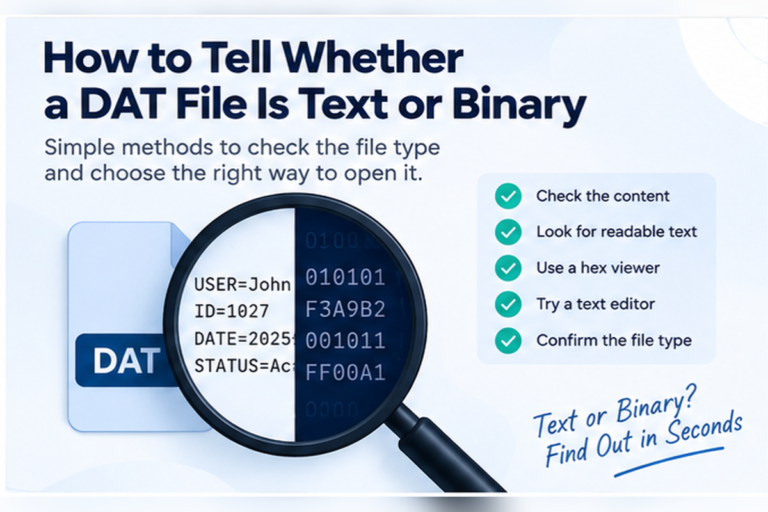
You cannot choose the right output format from the DAT extension alone.
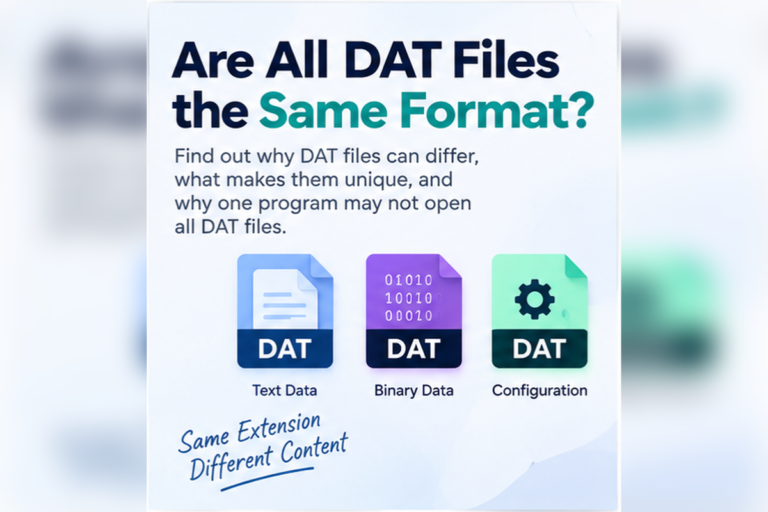
A DAT file might contain:
- Comma-separated records
- Tab-separated data
- Pipe-separated database records
- Application settings
- Log entries
- Binary database data
- Images, audio, or other resources
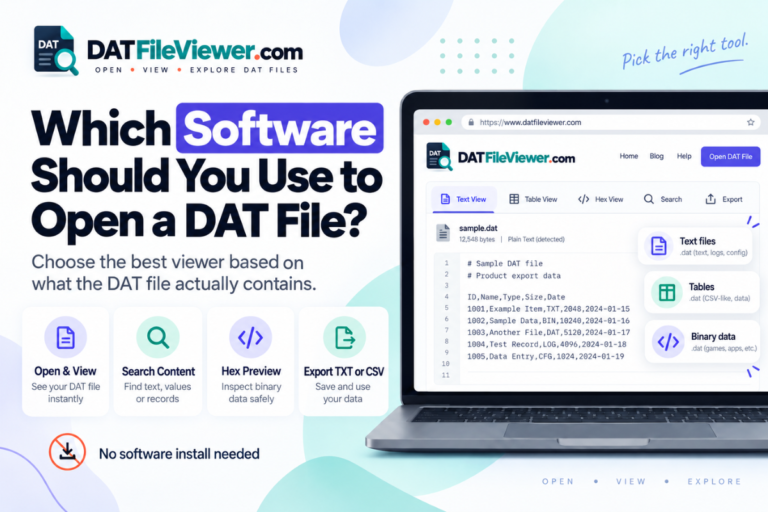
Open the file and check the actual contents first. Your DAT File Viewer can display text, detect common table delimiters, search the contents, and show a hexadecimal preview for binary data.
Example: A DAT File That Should Become CSV
Suppose your DAT file contains:
customer_id|name|country|status
1001|Aisha|Pakistan|Active
1002|Daniel|Canada|Active
1003|Sofia|Spain|Inactive
CSV is a natural output because the fields can become spreadsheet columns.
customer_id,name,country,status
1001,Aisha,Pakistan,Active
1002,Daniel,Canada,Active
1003,Sofia,Spain,Inactive
For the full conversion process, see How to Convert DAT to CSV.
Example: A DAT File That Should Become TXT
Now consider this file:
Application started at 09:14
Configuration loaded successfully
User opened project Alpha
Autosave completed
Application closed normally
TXT is the simpler choice.
Saving this as CSV would add unnecessary structure. The goal is simply to preserve readable lines.
See How to Convert DAT to TXT for the text-export workflow.
CSV vs TXT Side by Side
| Feature | DAT to CSV | DAT to TXT |
|---|---|---|
| Best for | Structured records | General readable text |
| Rows and columns | Core purpose | Optional, not required |
| Spreadsheet use | Excellent | Limited |
| Logs and notes | Usually unnecessary | Excellent |
| Delimiter handling | Important | Can preserve source text as-is |
| Easy text editing | Possible | Excellent |
| Suitable for binary DAT files | Not directly | Not directly |
Choose CSV When the DAT File Contains Repeated Records
CSV works best when each line represents one item and each item has the same fields.
Examples include:
- Customer records
- Product inventories
- Transactions
- Order histories
- Contact lists
- Database exports
- Measurement data
If each row can be described as “one record with the same columns,” CSV is usually useful.
Choose TXT When the DAT File Contains Free-Form Text
TXT makes more sense when the information is meant to be read as text rather than analyzed as a table.
Examples include:
- Logs
- Configuration files
- Notes
- Messages
- Readable diagnostic information
- Extracted strings
A TXT export preserves the readable content without requiring you to decide which parts should become columns.
What If the DAT File Already Contains CSV-Style Data?
Then CSV is normally the obvious choice if you want to work with the records.
For example:
id,name,total
101,Aisha,45.90
102,Daniel,91.00
The file already follows a CSV-style structure. The fact that the filename ends in DAT does not change that.
Read How to Read CSV-Style Data Inside a DAT File for details about headers, commas, quotes, and malformed rows.
What If the DAT File Uses Tabs?
Tab-separated DAT files are also strong candidates for CSV conversion.
For example:
sku	product	stock
A101	Keyboard	28
A102	Mouse	54
A103	Monitor	11
You can preserve those tabs in TXT, but CSV may be more useful if the next step is Excel or another spreadsheet tool.
See How to Read Tab-Separated DAT Files.
The Same DAT File Can Sometimes Work as Either CSV or TXT
Some DAT files are suitable for both outputs.
A pipe-separated record file can be stored as readable TXT while preserving the pipes:
1001|Aisha|Active
1002|Daniel|Inactive
Or it can be converted to CSV:
1001,Aisha,Active
1002,Daniel,Inactive
The right choice depends on how you plan to use the result.
You want sorting, filtering, formulas, spreadsheet columns, database import, or structured analysis.
You want simple readable text, manual inspection, archiving, logs, notes, or configuration content.
Which Format Is Better for Excel?
CSV is usually better.
Excel understands CSV as table-style data and can place values into rows and columns.
TXT can also be imported into Excel, especially when it contains delimiters, but it normally requires you to tell Excel how the fields are separated.
If your final goal is an Excel workbook, you can also skip the intermediate format and use the workflow in How to Convert DAT to Excel.
Which Format Is Better for Google Sheets?
CSV is usually the simpler option for structured records.
Google Sheets is designed around rows and columns, so CSV maps naturally to a spreadsheet.
TXT is useful only if the text itself has a structure that Sheets can interpret.
For more detail, see Can You Open DAT Files With Google Sheets?.
Which Format Is Better for Notepad?
TXT is the simpler choice for normal reading and editing.
Notepad can also display CSV because CSV is plain text, but commas and quotation rules make the content look more technical.
For settings, logs, and general text, TXT gives a cleaner result.
CSV Has Rules That TXT Does Not Need
CSV requires careful handling when values contain commas, quotation marks, or line breaks.
Consider this field:
24 Main Street, Karachi
Inside CSV, it may need to appear as:
"24 Main Street, Karachi"
Otherwise the comma may be mistaken for a column separator.
TXT does not require the value to become a spreadsheet field, so the same address can simply remain normal text.
What Information Is Preserved?
CSV preserves field structure
A proper conversion keeps rows and fields separate so spreadsheet programs can interpret the records correctly.
TXT preserves readable text
A text export can preserve lines and characters without requiring a database or spreadsheet structure.
Neither automatically decodes binary
Binary values need to be understood before they can become meaningful CSV fields or readable TXT content.
Encoding matters for both
Incorrect character encoding can damage names, symbols, and non-English text in either output.
Can a Binary DAT File Be Converted to CSV or TXT?
Not directly in a meaningful way.
A binary DAT file may contain records, images, audio, game data, or proprietary application information. Saving the same bytes with another extension does not decode them.
A binary database may need its record schema before you can export rows to CSV. A media DAT file may have no meaningful CSV representation at all.
If you are uncertain, compare the file against Text DAT Files vs Binary DAT Files.
CSV or TXT for Database Records?
CSV is usually more useful when the database records have clear fields.
For example:
1001|Aisha|2026-09-10|Active
1002|Daniel|2026-09-11|Active
These records can map cleanly into spreadsheet columns.
TXT may still be useful if you only want a readable dump of the records.
For more complex DAT databases, read How to Read Database Records Stored in a DAT File.
CSV or TXT for Application Settings?
TXT usually makes more sense.
For example:
theme=dark
autosave=true
language=en
refresh_interval=30
This data is readable and structured in its own way, but forcing it into CSV columns may not improve anything.
A TXT file preserves the configuration-style layout.
CSV or TXT for Logs?
It depends on the log.
A free-form log such as:
09:10 Application started
09:11 User signed in
09:18 Project saved
fits TXT well.
A structured log such as:
09:10|INFO|Application started
09:11|USER|Aisha signed in
09:18|SAVE|Project saved
could be useful as CSV if you want to sort or filter by time, event type, or message.
Practical DAT Conversion Scenarios
Repeated records with IDs, names, countries, and status fields.
Readable lines intended mainly for human inspection.
Products arranged in consistent rows and columns.
Key and value settings with no need for spreadsheet analysis.
Known fields that can be represented as a normal table.
Text extracted from a larger file without a consistent table structure.
Does Renaming DAT to CSV or TXT Convert It?
No.
Changing:
records.dat
to:
records.csv
or:
records.txt
changes only the filename.
If the DAT file already contains compatible text, the renamed file may open correctly. But the bytes have not been transformed.
A real conversion should interpret the source content and create an output that follows the expected structure.
How to Decide Between CSV and TXT
Ask these questions in order
Is the DAT file readable text? If not, identify the binary format before choosing either output.
Does each line represent a record? If yes, look for repeated fields and delimiters.
Do you need rows and columns? Choose CSV if you want spreadsheet or database-style structure.
Do you only need readable text? Choose TXT when preserving human-readable content is the main goal.
Will another application still use the DAT file? Keep the original unchanged and create a separate export.
What About Large DAT Files?
For a large DAT file, determine the structure from a preview before converting the entire file.
Check the first section for:
- Readable text
- Headers
- Repeated delimiters
- Consistent field counts
- Encoding problems
If the structure remains consistent, CSV may be useful for large tables. TXT may be more practical for large logs or plain-text archives.
Your DAT viewer includes large-file protection and preview limits for initial inspection.
Not Sure Whether Your DAT File Needs CSV or TXT?
Inspect the source first. Check for readable text, common delimiters, table-style records, and binary data before choosing an export format.
Inspect Your DAT FileFrequently Asked Questions
Is CSV or TXT better for a DAT file?
CSV is better for structured rows and columns. TXT is better for general readable text such as settings, logs, notes, and extracted strings.
Should I convert DAT to CSV for Excel?
Usually yes if the DAT file contains table-style records. CSV maps naturally to spreadsheet rows and columns.
Should I convert DAT to TXT for Notepad?
TXT is a good choice when the DAT file already contains readable text and you want a simple plain-text copy.
Can I convert the same DAT file to both CSV and TXT?
Yes, when the source contains compatible text. CSV can preserve table structure while TXT can preserve a simple readable representation.
Does CSV lose data compared with TXT?
Not when the conversion is done correctly and the source data fits a table. Problems can occur if delimiters, quotes, encoding, or field boundaries are handled incorrectly.
Can binary DAT files be converted to TXT or CSV?
Only after their contents are interpreted correctly. Changing the extension or exporting raw binary bytes does not create meaningful text or table data.
Which format is better for database records?
CSV is usually more useful when the records have known fields because it preserves a row-and-column structure.
Choose CSV for Structure and TXT for Readability
The choice between DAT to CSV and DAT to TXT becomes simple once you understand the source file.
Choose CSV when the DAT file contains structured records that belong in rows and columns. This is the better choice for spreadsheets, database exports, inventory data, transactions, and similar tables.
Choose TXT when you want to preserve readable content without imposing spreadsheet structure. Logs, settings, notes, and general text usually fit this format better.
Neither format is suitable for an unknown binary DAT file until the underlying data has been interpreted.
Keep the original DAT file unchanged and create a separate output after checking the contents.
You can open your DAT file online to inspect text, detect common delimiters, preview table-style records, and decide whether CSV or TXT is the better export format.