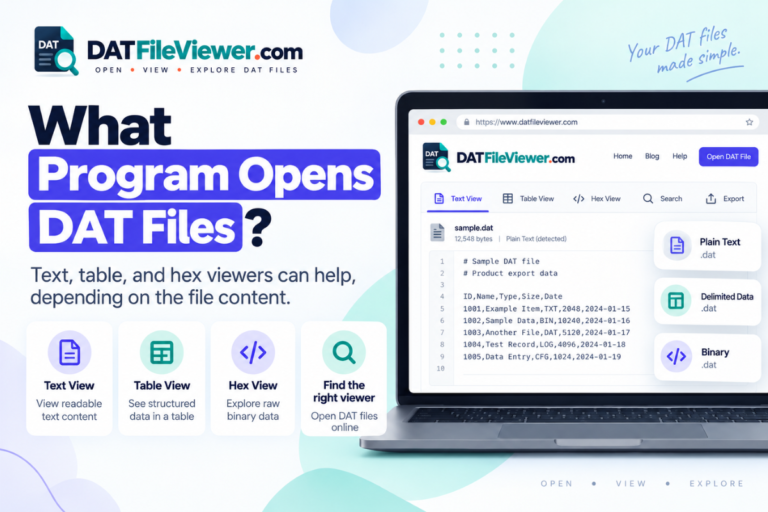
Can You Open DAT Files With Google Sheets?
Google Sheets can work with some DAT files, but it does not treat .dat as one standard spreadsheet format. Whether it works depends on what is stored inside the file.
If the DAT file contains readable rows separated by commas, tabs, semicolons, or pipe characters, you can often move that data into Google Sheets. If the file contains binary data, game resources, application records, or another proprietary format, Google Sheets will not know how to interpret it.
Short answer: Google Sheets is useful for text-based DAT files that contain table-like data. It is not a general DAT file viewer. Inspect the file first, then create or export a CSV or text version if the data is suitable for a spreadsheet.
When Can Google Sheets Work With a DAT File?
Delimited text
The DAT file contains clear rows and fields separated by commas, tabs, semicolons, or another consistent character.
Readable text records
The content is readable but may need cleaning, splitting, or exporting before it fits neatly into spreadsheet columns.
Binary or proprietary data
The file contains raw bytes or a private format that Google Sheets cannot decode into rows and columns.
The file extension does not decide this. As explained in our beginner’s guide to DAT files, .dat is a generic extension used for many different kinds of data.
What a Google Sheets-Friendly DAT File Looks Like
A DAT file that contains simple table-style text may look like this:
customer_id,name,country,status
1001,Aisha,Pakistan,Active
1002,Daniel,Canada,Active
1003,Sofia,Spain,Inactive
1004,Omar,UAE,Active
Google Sheets can work well with this information once it is imported through a supported text or CSV workflow.
The important part is the content, not the DAT extension.
Can You Upload a .DAT File Directly to Google Sheets?
Google Sheets is built around spreadsheet and common text-data formats. A generic .dat file is not one standard spreadsheet type, so you should not assume that Sheets will directly understand every file that ends in DAT.
A safer workflow is to inspect the DAT file first. If it contains spreadsheet-friendly text, create a real CSV or supported text copy of that data and then import the copy into Google Sheets.
records.dat to records.csv only changes the filename. It does not rewrite the underlying data.
If the DAT file already contains valid CSV-style data, a CSV copy can be created without changing the logical records. If it contains something else, real conversion requires understanding that source format first.
How to Move DAT Data Into Google Sheets
For a text-based DAT file, this workflow is usually the clearest.
Inspect the DAT file first
Check whether the content is readable and whether the records follow a consistent row structure.
Identify the delimiter
Look for the character that separates one field from the next. Common examples include commas, tabs, semicolons, and pipes.
Create or export a spreadsheet-friendly copy
If the data is suitable, save or export it as CSV or another text format that preserves the rows and fields.
Import the data into Google Sheets
Upload the supported file or paste the structured data into a sheet, then check that the columns were separated correctly.
Review dates, numbers, and identifiers
Make sure Google Sheets has not changed important values such as leading zeros, product codes, or date-like identifiers.
Which DAT Delimiters Work Well for Spreadsheet Data?
Structured DAT files can use several different separators.
For example, a pipe-separated DAT file may contain:
sku|product|stock|price
A101|Keyboard|28|29.95
A102|Mouse|54|18.50
A103|Monitor|11|189.00
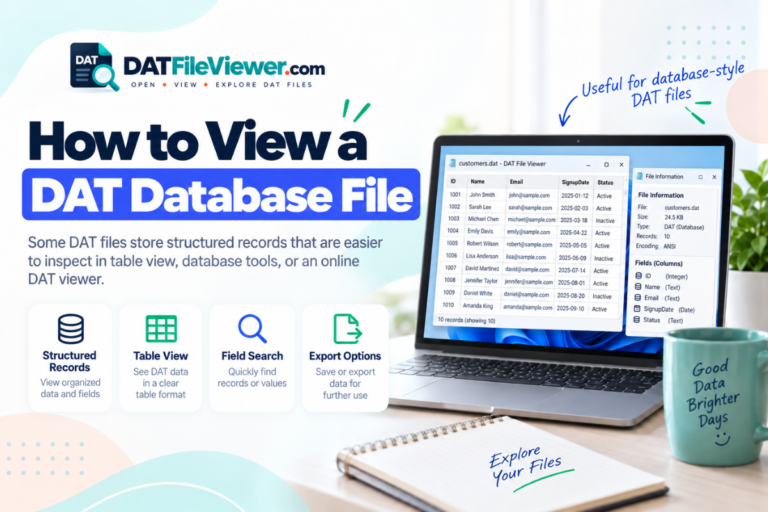
Our DAT File Viewer detects common comma, tab, semicolon, and pipe-delimited data and can show compatible files in a table view before you move them into Google Sheets.
What If Google Sheets Puts Everything in One Column?
This usually means the data has not been split using the correct separator.
For example, this entire line:
A101|Keyboard|28|29.95
may appear in one cell if Sheets does not recognize the pipe character as a separator.
You need to split the values using the actual delimiter used by the data.
Can Google Sheets Open a Binary DAT File?
No, not in a useful general-purpose way.
A binary DAT file stores bytes in a format intended for software. Those bytes may represent database records, game assets, media, indexes, compressed data, numbers, flags, or another custom structure.
A binary file might look like this in hexadecimal:
00000000  44 41 54 01 00 20 00 00  7A 18 FF 32 00 00 01 A4
00000010  10 00 2B 8F 90 11 04 00  52 45 43 4F 52 44 00 08
00000020  91 02 A7 3F 00 00 00 1C  22 18 04 B1 09 00 7F 31
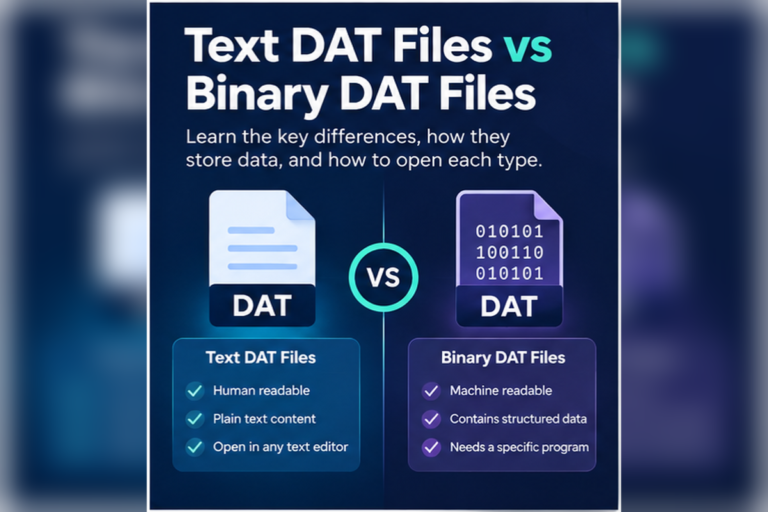
If your file looks unreadable as text, first determine whether it is binary. See How to Tell Whether a DAT File Is Text or Binary.
DAT Files Google Sheets Can and Cannot Handle
| DAT content | Google Sheets useful? | Recommended approach |
|---|---|---|
| Comma-separated text | Yes | Create or export CSV and import it |
| Tab-separated text | Yes | Use a supported text import workflow |
| Pipe-separated records | Yes, after preparation | Split or convert fields correctly |
| Plain text without columns | Limited | Use a text viewer first |
| Binary DAT data | No | Use a hex viewer or original application |
| Private database format | Usually no | Export through the original software |
Can You Convert a DAT File to Google Sheets?
Yes, when the source data can be converted into a spreadsheet-friendly format.
For a text DAT file with rows and columns, the process may be simple. You identify the delimiter, create a proper CSV file, and import the CSV into Google Sheets.
For a binary DAT file, the process is completely different. You first need software that understands the binary format. That software must extract meaningful records before Google Sheets can use them.
This is why there is no universal “DAT to Google Sheets” conversion method.
Why Renaming DAT to CSV Is Not Enough
Suppose you have:
orders.dat
and rename it to:
orders.csv
Nothing inside the file changes.
If it already contained valid comma-separated text, programs may now recognize it more easily as CSV. If it contained binary data, it is still binary.
What About Google Sheets and Large DAT Files?
Large DAT files need extra care.
A file may contain hundreds of thousands of rows, very long text fields, or a large amount of binary data. Even if the source is text, moving everything into a spreadsheet may not be the best first step.
Inspect a preview before converting the entire file. Check:
- How many records appear to be present
- Whether the delimiter is consistent
- Whether the first row contains headings
- Whether any fields contain embedded separators
- Whether the file is actually text
A viewer with large-file protection can help you make that decision before attempting a full spreadsheet import.
Common Problems With DAT Data in Google Sheets
All fields appear together
The separator was not recognized. Identify the real delimiter and split the values using that character.
Leading zeros disappear
Sheets may treat codes such as 00125 as numbers. Set important identifier columns to text.
Dates change automatically
A code that resembles a date may be reformatted. Check the original values before accepting automatic conversions.
The file looks like gibberish
The DAT file may be binary or use a text encoding that needs different handling.
Google Sheets vs Excel for DAT Files
Google Sheets and Excel have the same basic limitation: neither is a universal DAT decoder.
Both are useful when the source contains structured text. Neither can automatically understand an arbitrary proprietary binary DAT file.
| Task | Google Sheets | Excel | DAT Viewer |
|---|---|---|---|
| Inspect unknown DAT content | Limited | Limited | Good starting point |
| Work with CSV-style records | Good | Good | Good for inspection and export |
| View binary bytes | No | No | Yes, with hex view |
| Edit spreadsheet data | Yes | Yes | Not the main purpose |
For Excel-specific guidance, see Can You Open a DAT File With Excel?.
What About DAT Files That Are Just Plain Text?
If the DAT file contains readable text but no real table structure, Google Sheets may add little value.
A file like this:
username=alex
theme=dark
autosave=true
language=en
is better suited to a text editor or text view than a spreadsheet.
See Can You Open a DAT File With Notepad? if your DAT file looks more like configuration text than rows and columns.
Privacy Is Different With Google Sheets
Browser inspection and cloud spreadsheets are different workflows
When you upload data to Google Sheets, the file or converted data is being stored or processed through Google’s service.
Our DAT viewer works differently. The selected DAT file is processed in the visitor’s browser and does not use a WordPress upload endpoint for the selected file.
This distinction can matter when you only need to inspect a file before deciding whether it belongs in a cloud spreadsheet.
For a browser-first approach, read How to Open a DAT File Without Installing Software.
What If You Do Not Know What Created the DAT File?
Do not start by uploading it to every spreadsheet service you can find.
First check where the file came from. Look at the filename, surrounding folder, readable strings, and file structure.
Our guide on how to find out what created a DAT file covers those clues in detail.
If the file comes from a known business program, database, game, or specialist application, the original software may offer an export feature that produces proper CSV data. That is usually better than trying to force a proprietary DAT file directly into Google Sheets.
Check the DAT File Before Sending It to Google Sheets
Inspect readable text, table-style rows, common delimiters, and binary content first. If the data is suitable, export it to CSV and continue in your spreadsheet.
Inspect Your DAT FileFrequently Asked Questions
Can Google Sheets open DAT files?
Google Sheets can work with data from some DAT files, especially when the contents are structured text. It does not automatically understand every file that uses the DAT extension.
Can I upload a .DAT file directly to Google Sheets?
Do not assume a generic DAT file will be accepted or interpreted correctly. Inspect the file first and create a supported CSV or text version when the data is suitable.
Can Google Sheets open a binary DAT file?
No, not as a normal spreadsheet. Binary data must first be decoded by software that understands its format.
Can I rename a DAT file to CSV for Google Sheets?
Renaming the extension does not convert the data. If the DAT file already contains CSV-style text, create a proper CSV copy instead.
Why is all my DAT data in one Google Sheets column?
The values probably use a delimiter that was not recognized. Check whether the source uses commas, tabs, semicolons, pipes, or another separator.
Can I convert a DAT file to Google Sheets?
Yes, if the underlying data can be converted into spreadsheet rows and columns. Text-based records are usually much easier to convert than proprietary binary data.
Should I use Google Sheets or a DAT viewer first?
If you do not know what is inside the file, use a DAT viewer first. Once you confirm that the file contains suitable table data, move it into Google Sheets.
Google Sheets Works Best After You Identify the DAT Format
Google Sheets can be useful for DAT data, but only when the content makes sense as a spreadsheet.
Look for readable rows, headings, and consistent delimiters. If those are present, create or export a proper CSV or compatible text copy and import that data into Sheets.
If the DAT file contains binary or proprietary information, Google Sheets is not the right tool. Inspect the file in text and hex views or return to the application that created it.
The simplest first step is to open your DAT file online and determine what kind of data you actually have before moving it into a spreadsheet.