Which Software Should You Use to Open a DAT File?
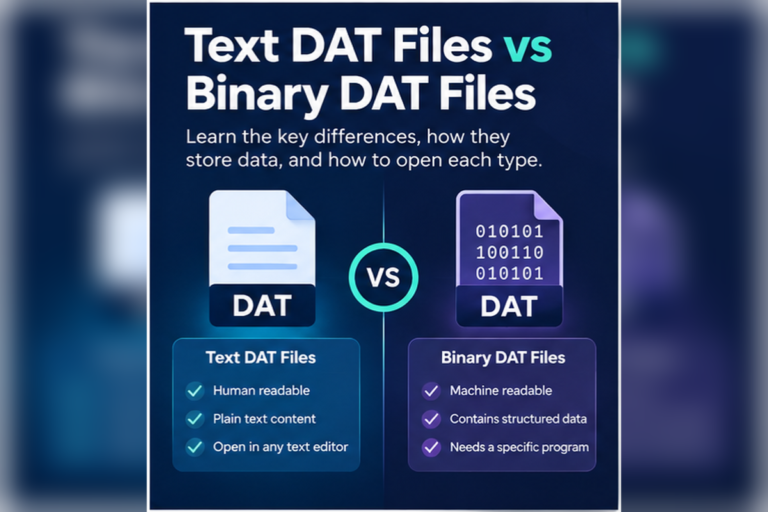
The right software for a DAT file depends on what is actually stored inside it. Some DAT files are plain text. Others contain tables, application data, game resources, media, or binary records that only the original software can understand.
This is why choosing software based only on the .dat extension often leads to confusion. DAT is a generic extension, not one universal file format.
If you do not know what created the file, inspect it first with a DAT File Viewer. If the content is readable text, use a text editor. If it contains rows and columns, a spreadsheet program may help. If it is binary or proprietary, use a hex viewer or the original application.
DAT Software Depends on the Type of Data
Two files can both end in .dat and have nothing else in common. One may contain a simple list of settings. Another may hold compressed game assets or records from specialist software.
That means there is no single DAT file application that works perfectly for every file.
Text editor
Best for readable text, configuration values, logs, and simple text-based records.
Spreadsheet software
Useful when the file contains consistent rows and columns separated by commas, tabs, pipes, or semicolons.
DAT viewer
Good for quickly checking whether an unknown file contains text, structured data, or binary content.
Hex viewer
Useful for inspecting raw binary bytes and finding readable strings or recognizable signatures.
Original application
Usually the best choice for proprietary DAT files created by games, devices, databases, or specialist software.
Media player
Only useful when the DAT file actually contains compatible audio or video data.
DAT File Software Comparison
| Software type | Best use | Good first choice? | Main limitation |
|---|---|---|---|
| Online DAT viewer | Inspecting an unknown DAT file | Yes | Cannot fully decode every proprietary format |
| Notepad, TextEdit, Notepad++ | Plain-text DAT files | Yes, for text | Binary files may look like random characters |
| Microsoft Excel | Delimited text with rows and columns | Sometimes | Does not understand arbitrary binary DAT files |
| Hex viewer or editor | Raw binary inspection | For technical inspection | Shows bytes, not necessarily meaningful records |
| VLC or another media player | DAT files containing supported media | Only with media files | Most DAT files are not video or audio |
| Original program | Application-specific DAT files | Often the best choice | You need to know which program created the file |
Use a DAT Viewer When You Do Not Know the File Type
If the source of the DAT file is unclear, installing random software is usually unnecessary. Start by inspecting the file.
A viewer can help answer basic questions:
- Does the file contain readable text?
- Are there repeated rows and columns?
- Do commas, tabs, semicolons, or pipes separate the values?
- Does most of the file appear to be binary?
- Can you find readable names, application references, paths, or labels?
These clues can narrow down the software you need.
Our DAT File Viewer online supports text, table, and hexadecimal views. It can also detect common delimiters and help you inspect the file before deciding whether you need another application.
If you prefer not to install desktop software, see our guide to opening DAT files without installing software.
Use a Text Editor for Plain-Text DAT Files
A text editor is the simplest option when the DAT file contains readable characters.
For example:
theme=dark
language=en
notifications=true
backup_interval=15
profile_name=Primary
This type of file does not need specialist DAT software. Basic tools such as Notepad on Windows or a text editor on macOS can display it.
More advanced text editors can be better for large files because they often provide search, line numbers, encoding options, and easier navigation.
Use Spreadsheet Software for Table-Like DAT Files
Microsoft Excel and similar spreadsheet applications can be useful when a DAT file is really structured text.
Consider this example:
order_id|customer|quantity|total
5001|Maria Lopez|2|48.90
5002|David Khan|1|19.95
5003|Emma Chen|4|102.00
The pipe character separates each field. If you import the file with the pipe as the delimiter, the data can be arranged into columns.
Other common separators include commas, tabs, and semicolons.
Excel is a poor choice when the DAT file contains binary records, compressed resources, application indexes, or private database structures. It cannot automatically convert every DAT file into a spreadsheet.
Use a Hex Viewer for Binary DAT Files
Binary files contain byte values that are not meant to be read directly as normal text. A hex viewer displays those bytes in hexadecimal form.
00000000  44 41 54 00 02 10 00 00  8F 24 11 00 39 88 2A 00
00000010  01 FF 00 18 52 45 43 31  00 A2 10 4D 00 00 0C 21
00000020  B9 41 00 12 08 7C 33 A1  10 05 00 00 64 19 F0 22
A hex view is useful because it shows the real bytes without pretending that the file is ordinary text.
You may also find readable strings inside the binary data. A game DAT file might contain texture names. An application file might contain folder paths or internal record labels. These clues can help identify the software that created it.
However, reading bytes is different from fully understanding a format. If the file uses a proprietary structure, you may still need the original program.
Use the Original Software for Proprietary DAT Files
This is often the most important rule.
If a DAT file belongs to a specific application, the application that created it may be the only software that can correctly interpret all of its contents.
This commonly happens with:
- Games and game launchers
- Specialist business software
- Scientific applications
- Hardware devices
- Legacy databases
- Backup or cache systems
- Custom desktop applications
A general DAT viewer may still show useful information, but it cannot automatically know the meaning of a private binary format.
If you do not know where the file came from, our guide on opening an unknown DAT file safely explains how to inspect it without making risky assumptions.
What About DAT Files That Contain Video?
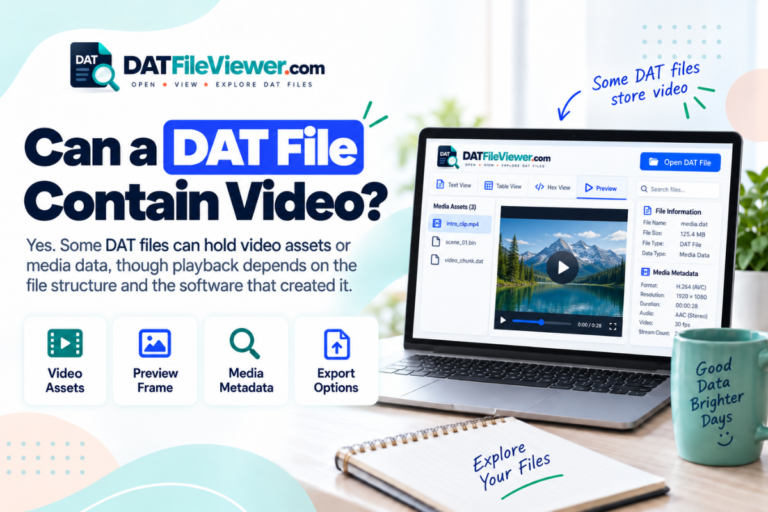
Some older media workflows used DAT files for video data. This is why programs such as VLC are sometimes recommended when people search for DAT software.
That advice only applies when the file actually contains media.
A DAT extension does not mean the file is automatically a video. It could just as easily contain text, settings, database records, game assets, or binary application data.
If a media player cannot open the file, that does not prove the file is corrupt. It may simply not be a media file.
How to Choose the Right Software
Do Not Choose Software by Renaming the Extension
Renaming a file does not change its internal format.
For example, changing:
records.dat

to

records.csv
does not convert the file into CSV.
If the original DAT file already contains CSV-style data, the new extension may make it easier to open in spreadsheet software. The data itself has not been converted.
Which Software Is Best on Windows?
On Windows, the best choice depends on the file type.
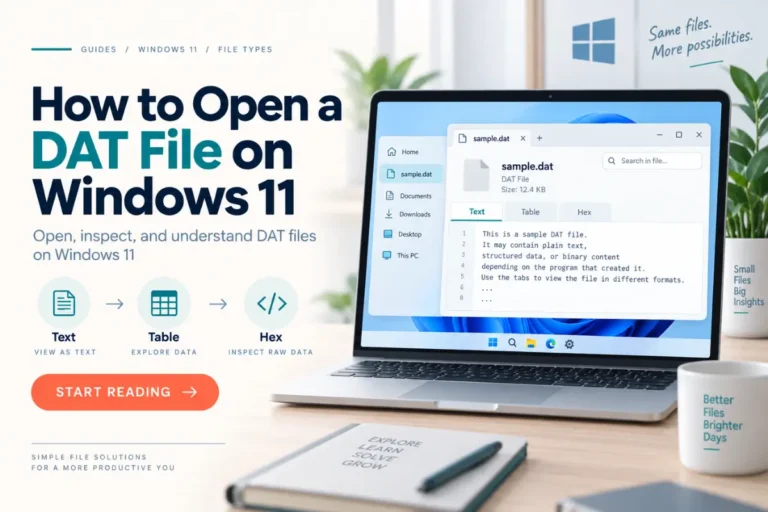
Notepad works for simple text. More capable text editors can help with large or structured files. Excel can import some delimited DAT files. A hex viewer can inspect binary content. Proprietary files may need their original applications.
For more specific instructions, see how to open a DAT file on Windows 11 or our guide for opening DAT files on Windows 10.
Which Software Is Best on Mac or Linux?
The same decision process applies on macOS and Linux.
Text-based DAT files can be opened with normal editors. Structured files can be imported into compatible spreadsheet software. Binary files can be examined with hexadecimal tools. Proprietary DAT files may still require the original application.
See our guides for opening DAT files on Mac and opening DAT files on Linux for platform-specific steps.
What About Android, iPhone, and iPad?
Mobile devices have fewer desktop-style file tools, so identifying the file type first becomes even more useful.
If you only need to inspect the file, a browser-based viewer may be easier than trying several mobile apps. For device-specific help, see our guides for opening DAT files on Android and opening DAT files on iPhone or iPad.
Check the DAT File Before Installing Software
If you are not sure which application you need, inspect the DAT file first. Check its text, table structure, and binary content directly in your browser.
View Your DAT FileFrequently Asked Questions
What is the best software to open a DAT file?
There is no single best application for every DAT file. A viewer is useful for initial inspection, a text editor works for readable text, spreadsheet software may work for delimited records, and proprietary DAT files usually need the software that created them.
Do I need to download DAT file software?
Not always. If you only want to inspect the contents, you can use a browser-based DAT viewer. Plain-text DAT files can also be opened with software already installed on many computers.
Can Notepad open DAT files?
Yes. Notepad can display DAT files that contain readable text. Binary data may appear as strange symbols or unreadable characters.
Can Excel open DAT files?
Excel can work with some DAT files that contain delimited text. It is not a universal DAT decoder and cannot interpret unrelated proprietary or binary formats automatically.
Should I use a hex editor for a DAT file?
A hex viewer is useful when a DAT file is binary or when you need to inspect raw bytes. Editing those bytes is different from viewing them, so avoid making changes unless you understand the file format.
Why will no program open my DAT file correctly?
The file may use a proprietary structure that only its original software understands. It could also be incomplete or damaged, but unreadable content alone is not proof of corruption.
Choose Software Based on the Contents, Not the Extension
The most reliable way to choose DAT file software is to identify what the file contains first.
Use a text editor for plain text. Use spreadsheet software for clearly delimited rows and columns. Use a hex viewer for binary inspection. Use a media player only when the file actually contains compatible media. For private application formats, go back to the program that created the file.
If you are still unsure, inspect the DAT file online before installing another application. A quick look at the contents can often tell you which software makes sense.