How to Open an Unknown DAT File Safely
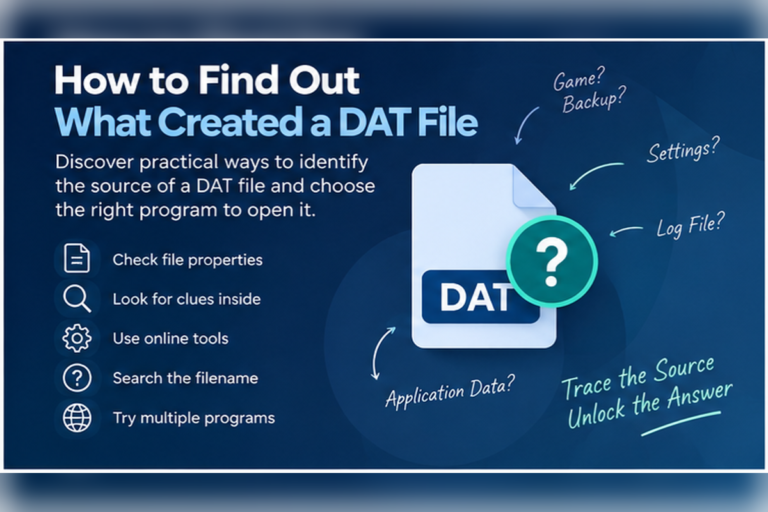
An unknown DAT file should be treated like any other unfamiliar file. Do not rush to open it with random software. First check where it came from, make a copy, scan it if needed, and inspect the contents with a safe tool.
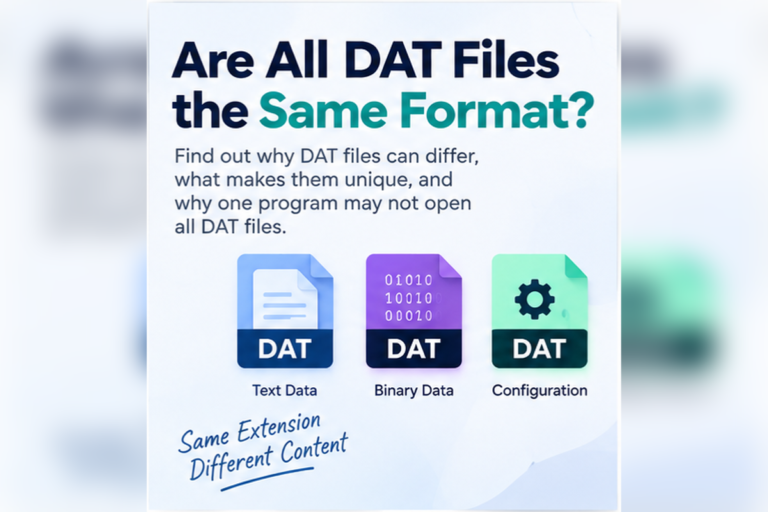
A DAT file is not automatically dangerous. The problem is that .dat does not describe one standard format. It can hold plain text, database records, video, settings, game data, email information, or binary data created for a specific program.
That makes unknown DAT files harder to judge. You may not know whether the file is useful, broken, harmless, or connected to an application on your device.
The safest method is to identify the file before you edit, rename, convert, or run anything related to it.
First Rule: Do Not Install Random DAT Opener Software
If a website tells you to install an unfamiliar program just to open one DAT file, stop and verify what the file contains first. In many cases, you can inspect it with tools already on your device or with a browser-based viewer.
Why an Unknown DAT File Needs Extra Care
The extension gives you very little information. A harmless settings file and an important business database can both end in .dat.
You also need to think about the source. A DAT file created by software you already use is different from a DAT file attached to an unexpected email.
Step 1: Check Where the DAT File Came From
Start with the simplest questions.
Ask yourself:
- Did I download this file myself?
- Did it arrive in an expected email?
- Is it inside a folder that belongs to a program I use?
- Did a camera, game, database, or business app create it?
- Do I recognize the file name?
- Is the file size reasonable for what I expect it to contain?
A file name can also give you clues.
Example File Namessettings.dat customers.dat backup.dat video.dat userdata.dat
These names are not proof of the file type, but they help you decide what to investigate next.
Step 2: Make a Copy Before You Touch It
If the DAT file may contain important data, duplicate it before you open it in an editor, rename it, or try to convert it.
Work with the copy and leave the original unchanged.
This matters because some programs store strict binary structures inside DAT files. Even a small edit can make the file unusable.
If you would be upset to lose the file, make a backup before testing it.
Step 3: Scan Suspicious Files Before Opening Them
If the file came from an unexpected message, download, USB drive, or unknown website, scan it with the security tools available on your device.
On Windows, you can use Windows Security. Other operating systems may have their own security tools or antivirus software.
A DAT file is usually data rather than an executable program, but you should not rely on the extension alone. File names and extensions can be misleading.
Those instructions are not normal for a simple DAT file inspection.
Step 4: Inspect the File Without Editing It
Once you are comfortable with the source, inspect the contents using a read-only or low-risk method.
A browser-based DAT viewer is useful when you do not know whether the file contains text, table data, or binary information.
| View | What It Is Good For | What You May Learn |
|---|---|---|
| Text | Readable DAT files | Names, settings, logs, dates, paths, and normal text |
| Table | Delimited records | Rows and columns separated by commas, tabs, semicolons, or pipes |
| Hex | Binary DAT files | Raw bytes when the file is not readable as normal text |
If you prefer not to install anything, see our guide on how to open a DAT file without installing software.
Inspect an Unknown DAT File First
Use our browser-based DAT File Viewer to check whether the file contains readable text, structured table data, or binary content before choosing another program.
Open DAT File ViewerHow to Recognize a Text-Based DAT File
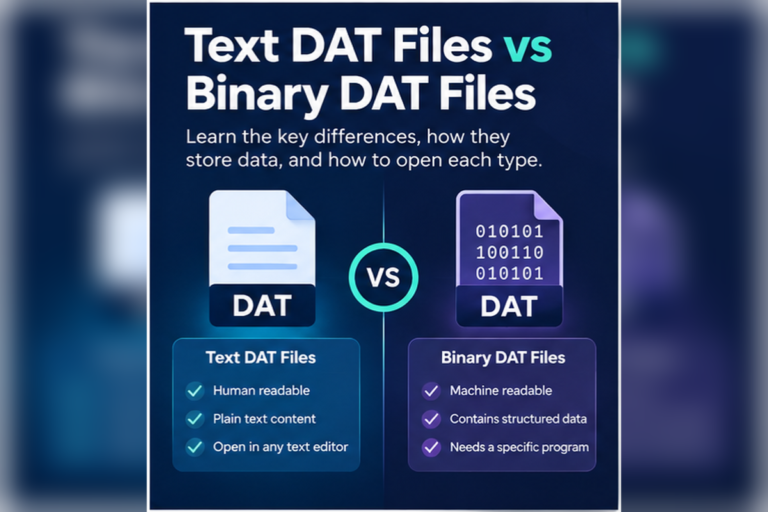
Some DAT files are simple text files with a different extension.
A text-based DAT file might look like this:
Readable DAT ExampleUserID=1024 Name=Robert Status=Active Language=en LastSync=2026-09-15
If you see clear words, numbers, dates, or settings, the file is probably text-based.
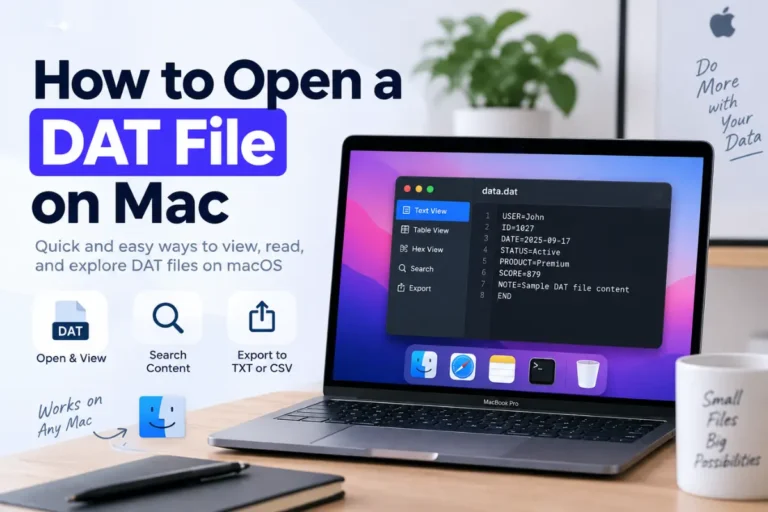
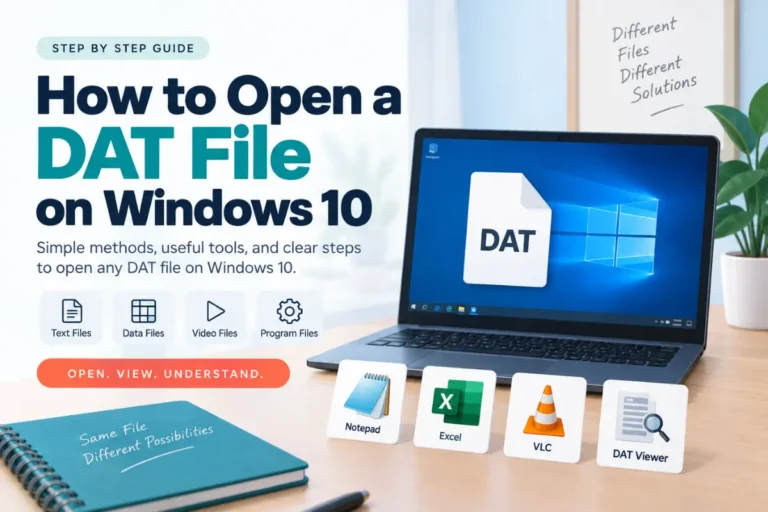
You can often read this kind of file with Notepad on Windows, TextEdit on Mac, or a normal text editor on Linux.
Windows users can follow our Windows 11 DAT file guide or our Windows 10 guide.
Mac users can see our guide on how to open a DAT file on Mac.
How to Recognize Table-Style DAT Data
A DAT file may contain rows of records separated by commas, tabs, semicolons, or pipes.
For example:
Structured DAT ExampleID,Name,Department,Status 1001,Alice,Sales,Active 1002,David,Support,Active 1003,Sarah,Finance,Inactive
This type of file may open in a spreadsheet or table viewer.
Do not immediately rename the original file to CSV. First make a copy and confirm that the data really follows a CSV-style structure.
How to Recognize a Binary DAT File
If you open a DAT file as text and see random symbols, blank boxes, or unreadable characters, the file may be binary.
That does not mean the file is dangerous or damaged.
Many programs store data in binary form because it is compact and easy for software to process.
A hex view may show something like this:
Binary DAT Example00000000 44 41 54 00 01 20 7F 0A 00000008 00 1A 4C 91 FF 10 00 20 00000010 31 04 00 72 42 B0 11 00
Hexadecimal data can help confirm that the file is binary, but it does not automatically tell you how to interpret the format.
Linux users can also inspect unknown DAT files with built-in commands. See our Linux DAT file guide for examples using file, strings, and hex tools.
Do Not Change the File Extension Just to Make It Open
Renaming a DAT file does not convert its contents.
Changing:
Originalunknown.dat
to:
Renamedunknown.txt
only changes the file name.
If the original file already contains plain text, the new extension may make it easier for some apps to recognize. If the file is binary, renaming it to TXT will not make the contents readable.
Always experiment with a copy.
Use the Original Program When You Know the Source
If the DAT file belongs to a known application, game, database, device, or backup system, the original software is often the safest tool.
Some DAT files are not designed for direct viewing at all. They may store internal application settings, indexes, caches, or database records.
Look for options such as Open, Import, Load, or Restore inside the original application.
Mobile users can also see our guides for Android DAT files and iPhone and iPad DAT files.
Warning Signs That Deserve Extra Caution
| Warning Sign | Why It Matters | What to Do |
|---|---|---|
| Unexpected email attachment | You did not request the file | Verify the sender and scan the file first |
| Unknown download source | You cannot confirm who created the file | Inspect carefully and avoid installing unknown software |
| Instructions to disable security | This is not normal for viewing data | Do not follow the instructions |
| File claims to need a special unknown app | The recommended app may not be trustworthy | Identify the file type first |
| Important business or personal data | A mistake could damage or expose valuable information | Keep a backup and use trusted tools only |
Which Safe Method Should You Try First?
Use this order:
- Check where the DAT file came from.
- Make a copy if the file may be important.
- Scan it if the source is unknown or suspicious.
- Inspect it with a text, table, or hex viewer.
- Use the original application if you identify the source.
- Rename or convert only after you understand the contents.
Frequently Asked Questions
Is it safe to open a DAT file?
A DAT file is not automatically unsafe. The risk depends on where it came from and what it contains. Unknown files should be scanned and inspected before you install software or make changes.
Can a DAT file contain a virus?
You should not assume a file is safe only because it ends in DAT. File extensions can be misleading, so scan suspicious downloads or attachments before you interact with them.
What is the safest way to inspect an unknown DAT file?
Keep a copy, verify the source, scan it if needed, then inspect it with a trusted text, table, or hex viewer without editing the original.
Should I rename a DAT file to TXT?
Only if you have already confirmed that the file contains plain text. Renaming does not convert binary data into text.
Do I need special DAT opener software?
Not always. Many DAT files can be inspected with built-in tools or a browser-based DAT viewer. Program-specific files may require the software that created them.
Final Thoughts
An unknown DAT file should not be treated as a mystery that requires random software.
Start with the source. Check the file name and size. Keep a copy of important data. Scan suspicious files before opening them.
Then inspect the contents in the safest way possible. Text view can reveal readable information. Table view can show structured records. Hex view can help confirm that a file is binary.
If you discover that the file belongs to a particular application, use that program to open or restore it.
Most importantly, do not edit, rename, convert, or delete the original file until you understand what it is used for.
Inspect Your DAT File Before Opening It Elsewhere
Check whether your DAT file contains readable text, table data, or binary information before choosing another program.
Open DAT File Viewer