How to View a DAT Database File
To view a DAT database file, first determine whether the file actually contains database records and whether those records are stored as readable text or in a binary format.
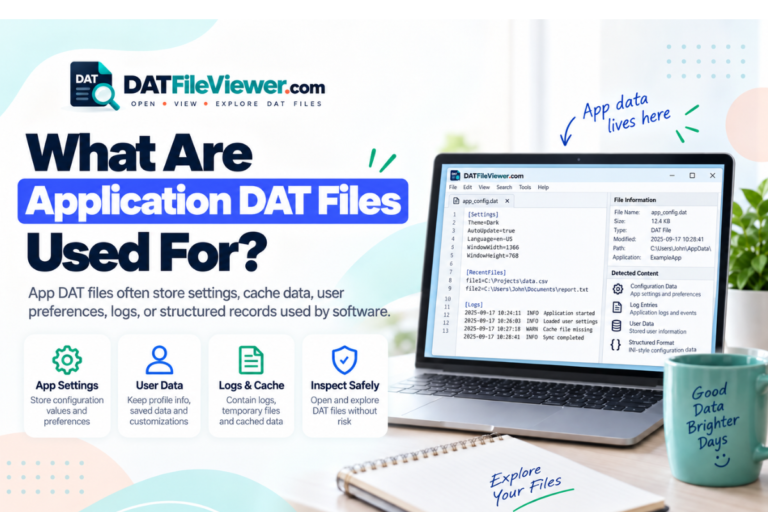
Some applications use .dat files for tables, records, indexes, or other database-style information. Others use the same extension for settings, caches, game resources, or unrelated data. A DAT file is not automatically a database just because someone calls it one.
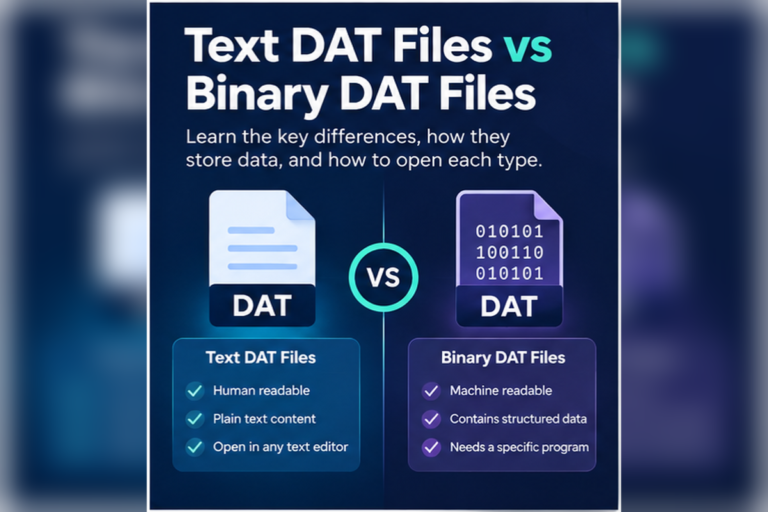
Inspect the DAT file before choosing database software. If the records are readable text, a DAT viewer, text editor, or spreadsheet may be enough. If the file uses a proprietary binary database structure, the original application may be required.
What Is a DAT Database File?
A DAT database file is usually a DAT file that stores structured records used by an application. The exact format depends on the software that created it.
There is no universal DAT database standard.
One program may store customer records as readable text. Another may use fixed-length binary records. A third may combine data records, indexes, and internal metadata in one file.
This is why the first step is not to search for one universal “DAT database opener.” The first step is to inspect the actual contents.
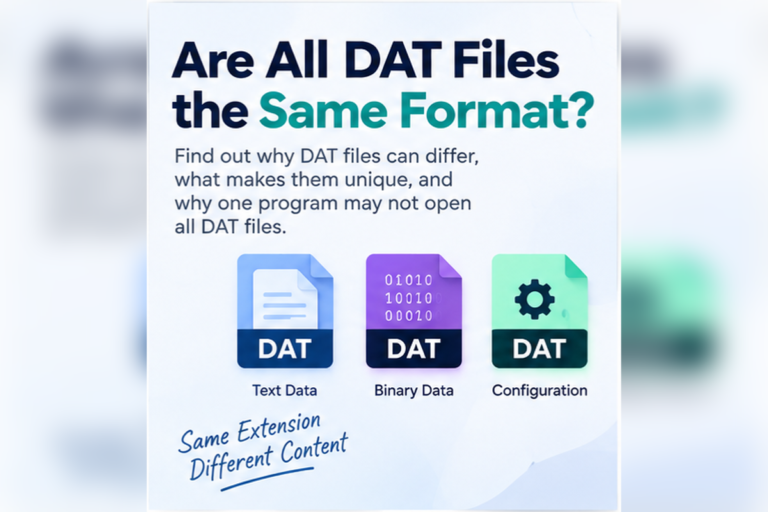
If you need the broader explanation of the extension, read What Is a DAT File? and Are All DAT Files the Same Format?.
Three Common Types of DAT Database Files
Text-based records
Records are stored as readable lines, often with commas, tabs, semicolons, pipes, or another delimiter.
Binary records
Fields are stored as byte sequences rather than normal text. A hex view can inspect the data, but it may not reveal the record structure.
Proprietary databases
The application uses its own private DAT structure. The original software or a format-specific tool may be needed.
Start by Checking Whether the Records Are Readable
A database-style DAT file may contain rows that are easy to recognize.
customer_id|name|email|status
1001|Aisha Khan|aisha@example.test|Active
1002|Daniel Smith|daniel@example.test|Active
1003|Sofia Chen|sofia@example.test|Inactive
This type of DAT database file is relatively easy to inspect. A table viewer can separate each record into columns. Spreadsheet software may also be useful once you identify the delimiter.
Our DAT File Viewer detects common comma, tab, semicolon, and pipe-separated content and can display suitable records in a table view.
How to View a Text-Based DAT Database File
If the file contains readable records, use this process.
Open the file in a text or DAT viewer
Check whether field names, records, and values are readable.
Identify the record separator
Look for commas, tabs, semicolons, pipes, or another repeating character.
Switch to table view if possible
A table makes it easier to see which values belong to each field.
Search for known records
Names, IDs, dates, or field labels can confirm what kind of data the file stores.
Export suitable data if needed
If the structure is clear, export the records to CSV for further work in a spreadsheet.
Keep the original DAT file unchanged
Work with a copy if the original application still depends on the file.
Can Excel View a DAT Database File?
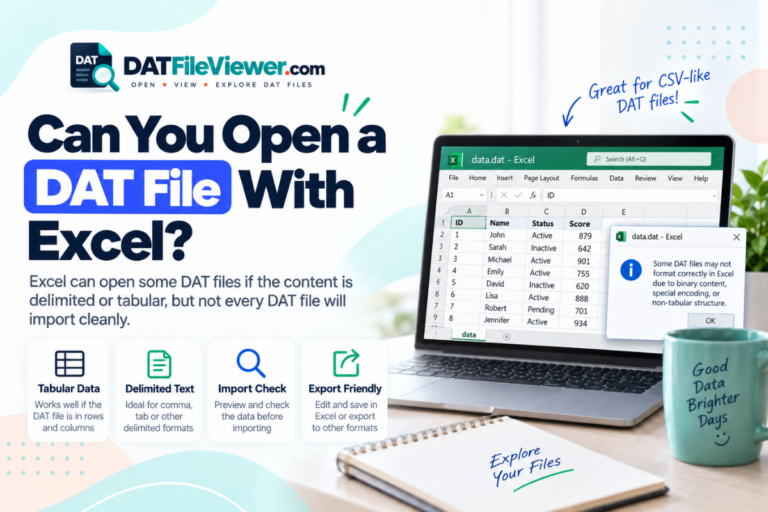
Excel can be useful when the DAT database stores text records in rows and columns.
For example:
order_id,customer,date,total
5011,Aisha,2026-09-10,45.90
5012,Daniel,2026-09-10,118.00
5013,Sofia,2026-09-11,24.50
You can import such data into Excel and choose the correct delimiter.
Excel is not useful for every DAT database. It cannot automatically decode a private binary record structure.
For a full walkthrough, see Can You Open a DAT File With Excel?.
Can Google Sheets View DAT Database Records?
Google Sheets can also work with text-based records after the data has been converted or exported into a spreadsheet-friendly format such as CSV.
If the DAT file is binary, Google Sheets will not know how to interpret it.
See Can You Open DAT Files With Google Sheets? for the spreadsheet workflow.
What Does a Binary DAT Database File Look Like?
Binary database records may not be readable as ordinary text.
A hex view might show something like this:
00000000  44 42 01 00 10 00 00 00  02 00 20 00 A7 11 4F 90
00000010  52 45 43 4F 52 44 00 00  01 00 00 00 31 30 30 31
00000020  A9 22 11 80 04 00 00 00  B4 70 00 FF 10 28 91 04
You might be able to identify labels, field names, or IDs. That does not mean you can safely interpret every record.
If the file appears mostly unreadable in a text view, read How to Tell Whether a DAT File Is Text or Binary.
Why the Original Application May Be Required
Proprietary database files can store information in ways that only the original software understands.
The application may know that:
- Bytes 1 through 4 contain a record ID
- The next bytes contain a timestamp
- Another section points to a separate index
- Text fields use a custom encoding
- Some values are compressed
- Deleted records are marked with internal flags
A general viewer does not automatically know those rules.
If the DAT file belongs to known accounting, scientific, business, database, or legacy software, try the original program first. It may also provide a proper export function.
How to Tell Whether a DAT File Really Contains Database Records
Repeated field structure
Records often contain the same number of fields in the same order.
Headers or field names
Labels such as id, name, date, or status suggest structured records.
Record identifiers
Sequential IDs or repeated key patterns can indicate database-style storage.
Application context
A DAT file inside a database or business-software folder may be part of that application’s data store.
If the creator is unknown, use the methods in How to Find Out What Created a DAT File.
DAT Database File vs Ordinary DAT File
| Feature | Database-style DAT | Other DAT file |
|---|---|---|
| Repeated records | Common | Not required |
| Field structure | Often present | May be absent |
| Readable table data | Possible | Possible, but not guaranteed |
| Binary structure | Possible | Also possible |
| Needs original software | Often for proprietary formats | Depends on the file |
Can Notepad View a DAT Database File?
Notepad can be useful when the database records are stored as readable text.
If you see clear rows, field labels, or separators, Notepad can help you inspect the raw data.
It is less useful for binary database files. In that case, it may show strange characters because it is trying to display raw bytes as text.
For more detail, see Can You Open a DAT File With Notepad?.
Can a Browser View a DAT Database File?
Yes, when a browser-based DAT viewer is designed to inspect the selected file.
A useful browser viewer can show:
- Readable text
- Table-style records
- Search results
- Hexadecimal bytes
- CSV export for suitable structured data
This is different from simply dragging a DAT file into a blank browser tab. The web application provides the parsing and viewing logic.
See Can a Web Browser Open DAT Files? for more detail.
Can You Convert a DAT Database File to CSV?
Sometimes.
If the DAT file already contains readable records with a clear delimiter, conversion to CSV may be straightforward.
For example:
1001|Aisha|Active
1002|Daniel|Active
1003|Sofia|Inactive
can be transformed into:
1001,Aisha,Active
1002,Daniel,Active
1003,Sofia,Inactive
That is only safe when you understand the record structure and how delimiters, quoting, and embedded values should be handled.
A proprietary binary DAT database cannot be meaningfully converted to CSV just by changing separators or renaming the extension.
.dat to .csv is not conversion. Real conversion requires reading the source records correctly and writing them into a valid CSV structure.
What If the DAT Database File Looks Empty?
An apparently empty file may still contain data.
Possible reasons include:
- The data is binary
- The text uses an unexpected encoding
- The file stores only indexes or metadata
- The main records are stored in another related file
- The file is actually empty or incomplete
Check the file size first. A file that has a non-zero size but shows no readable text may simply be binary.
What If You See Only Strange Characters?
Switch from text view to hexadecimal view.
If the file is binary, hex is a more accurate representation of what is actually stored.
You may also find readable strings inside the binary data, such as table names, file paths, field labels, or application names.
Should You Edit a DAT Database File Directly?
Usually not unless you understand the format.
Direct edits can break:
- Record lengths
- Indexes
- Checksums
- References between records
- Character encoding
- Application-specific metadata
If the original program supports editing or exporting the database, use that method instead.
Always keep an untouched copy before experimenting with a database file.
Which Tool Should You Use?
What About Large DAT Database Files?
Large database files can be difficult to open in ordinary editors.
A viewer with large-file protection is better for initial inspection because it can limit how much text or binary data is rendered at once.
Your DAT viewer includes large-file protection, preview limits, table detection, and binary or hex preview. That makes it useful for checking the structure before trying to load everything into a spreadsheet or another program.
Do You Need to Install Database Software?
Not always.
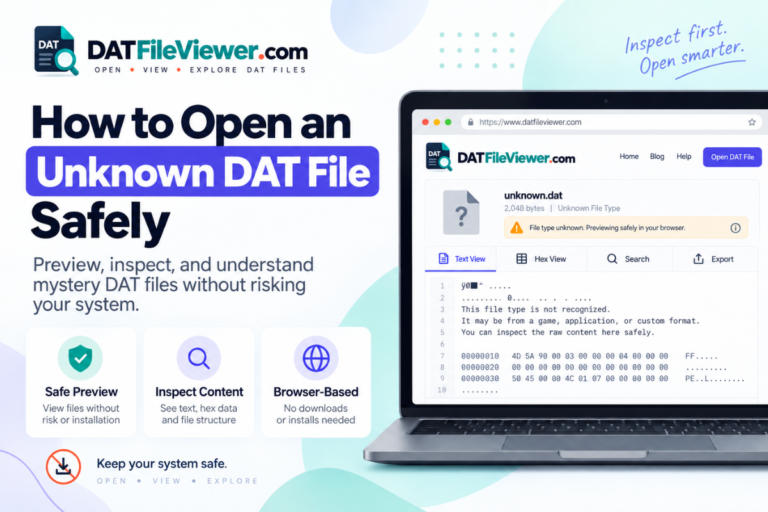
If your goal is only to inspect the contents, a browser-based viewer may be enough to tell whether the file contains readable records, delimited tables, or binary data.
If you need to edit a proprietary database or recover all records accurately, the original software may still be necessary.
For a browser-first workflow, see How to Open a DAT File Without Installing Software.
Need to Inspect a DAT Database File?
Check readable records, detect common table delimiters, search the contents, and switch to hex view if the database data is binary.
Open DAT File ViewerFrequently Asked Questions
How do I open a DAT database file?
Start by inspecting the file in text, table, and hex views. If the records are readable, a viewer or spreadsheet may be enough. Proprietary binary database files may require the original application.
Is every DAT file a database?
No. DAT is a generic extension. DAT files can contain settings, logs, game data, media, caches, text, binary information, or database records.
Can Excel open a DAT database file?
Yes, if the DAT file contains text records arranged as rows and columns. Excel cannot automatically decode an arbitrary proprietary binary database format.
Can I view a DAT database file online?
You can inspect many DAT files with a browser-based viewer. Text, table, and hexadecimal views can help identify the structure before you choose another program.
Why does my database DAT file show strange characters?
It may contain binary records. Strange characters in a text editor do not automatically mean the file is corrupted.
Can I convert a DAT database file to CSV?
Yes, when the source records can be interpreted correctly as rows and fields. Binary proprietary databases must be decoded before meaningful CSV export is possible.
What if no DAT viewer can understand the records?
The file may use a proprietary structure. Identify which program created it and use that software or a format-specific tool if available.
Start by Identifying the Database Structure
The safest way to view a DAT database file is to identify how its records are stored before trying to edit or convert anything.
If the file contains readable rows and clear delimiters, a table viewer or spreadsheet may work well. If it contains binary records, use hexadecimal inspection to look for clues. If the format is proprietary, the application that created the file may be the only tool that can fully interpret it.
Do not assume every DAT file is a database, and do not assume unreadable data means corruption.
If you have the file ready, you can inspect your DAT file online and check its text, table, search, and hex views before choosing the next step.