How to Convert DAT to TXT
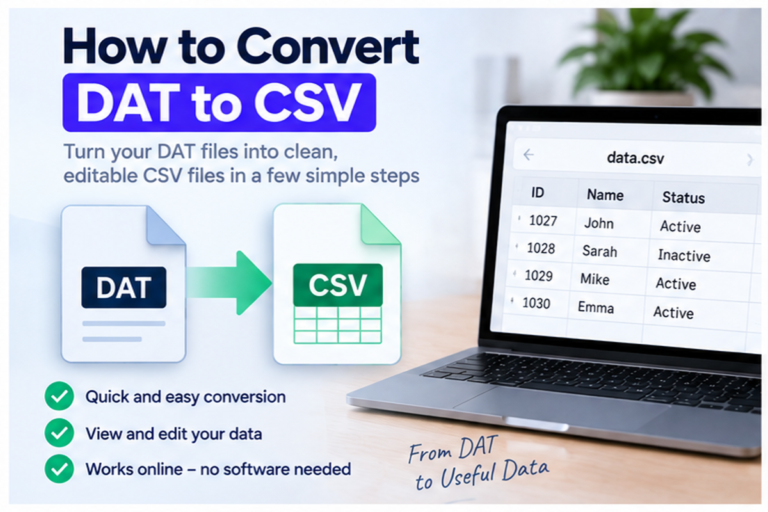
You can convert a DAT file to TXT when the DAT file contains readable text. If the file is binary, proprietary, compressed, or used as an application resource, saving it as TXT will not turn the underlying data into meaningful text.
The first step is always to inspect the DAT file. Do not begin by changing the extension. Confirm that the contents are actually text, then export or save that text into a new .txt file.
Conversion works best for text-based DAT files. Settings, logs, readable records, and delimited text can often become TXT easily. Binary DAT files cannot be decoded into readable text just by changing the filename.
What Does Converting DAT to TXT Actually Mean?
A TXT file is a plain-text file. It stores characters such as letters, numbers, punctuation, and line breaks without requiring a complex document format.
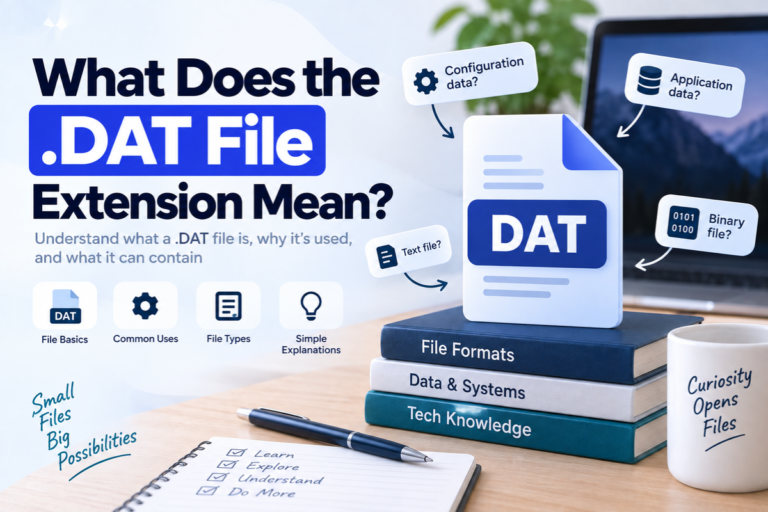
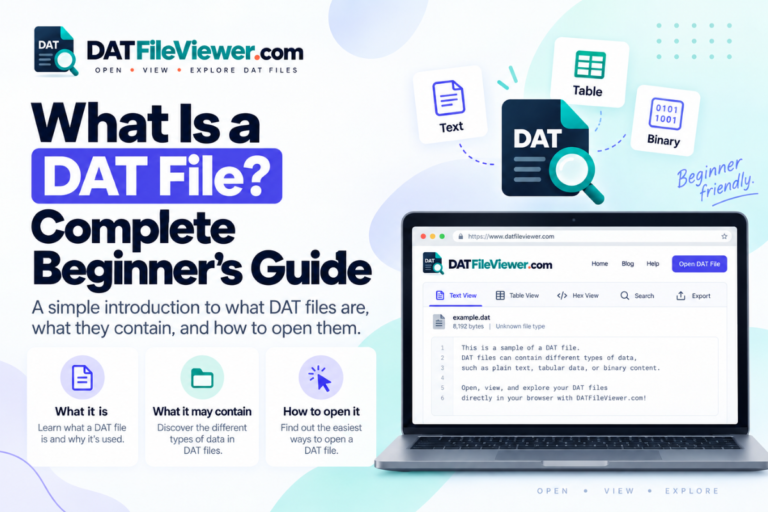
A DAT file can contain plain text, but it can also contain almost anything else.
So DAT to TXT conversion does not mean there is one universal converter that understands every DAT file. It means extracting or preserving the readable text from a DAT file and saving that text in a normal TXT file.
If you are unsure what DAT means, read What Is a DAT File? first.
Which DAT Files Can Be Converted to TXT?
Good candidate
The file contains readable settings, logs, text records, notes, or other normal characters.
Possible with care
The file contains readable text mixed with special characters or uses an encoding that needs to be handled correctly.
Not a real TXT conversion
The DAT file contains binary records, media, game assets, compressed data, or a proprietary application format.
Example of a DAT File That Can Become TXT
Suppose a file called preferences.dat contains:
language=en
theme=dark
autosave=true
notifications=yes
refresh_interval=30
After conversion, the new file could be:
preferences.txt
with the same readable content inside.
DAT to TXT Before and After
Project: Demo
Status: Active
Owner: Aisha
Updated: 2026-09-16
Project: Demo
Status: Active
Owner: Aisha
Updated: 2026-09-16
The visible content does not need to change. The goal is to create a standard plain-text copy.
How to Convert DAT to TXT Online
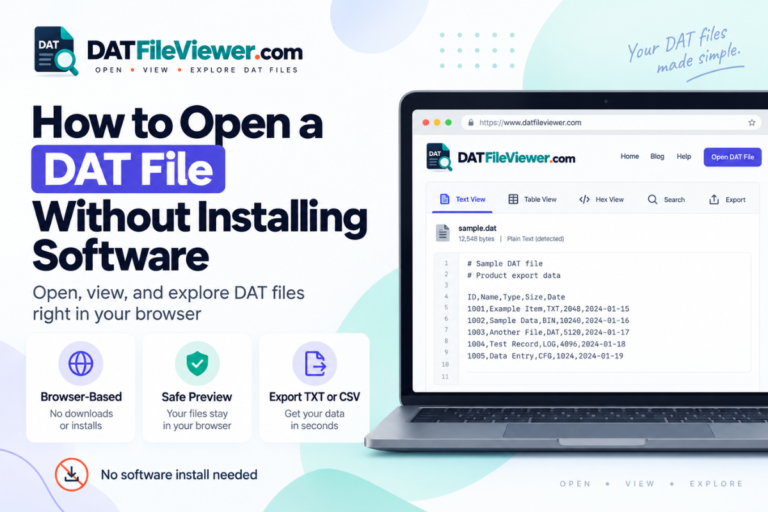
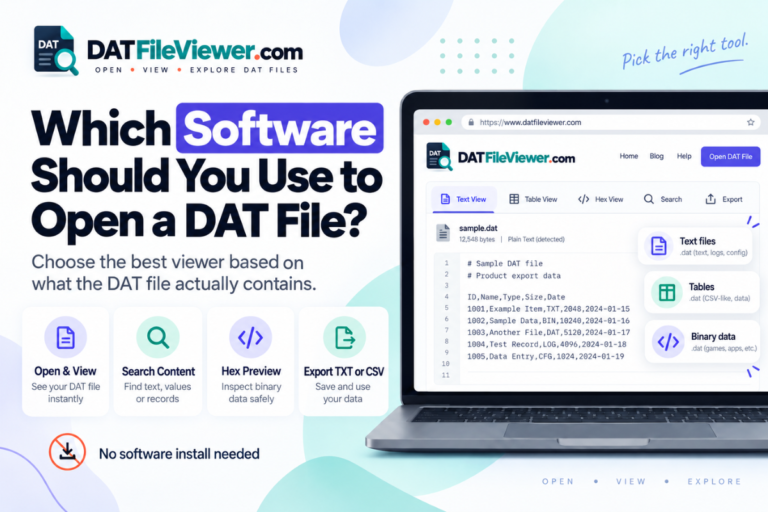
If the DAT file contains readable text, a browser-based viewer is one of the easiest methods.
Select the DAT file
Open the file in a DAT viewer that can display text without requiring you to rename the source file first.
Check the text preview
Confirm that the file contains normal readable text rather than mostly binary symbols.
Search or review the content
Look through the visible text and make sure it is the information you actually want to preserve.
Export the text
Use the TXT export option to create a plain-text copy of the readable content.
Keep the original DAT file
Do not overwrite the source. The original application may still depend on the DAT filename and structure.
Your DAT File Viewer supports TXT export for readable DAT content. The selected DAT file is processed in the browser and does not use a WordPress upload endpoint for the selected file.
How to Convert DAT to TXT With Notepad
If the DAT file is already plain text, Notepad can also work.
Open the DAT file in Notepad. If the content is readable and looks correct, use Save As to create a separate file ending in .txt.
Do not save over the original unless you know the source application no longer needs it.
For example:
settings.dat → settings.txt
This works because the contents were already text.
See Can You Open a DAT File With Notepad? for more detail about when Notepad is appropriate.
Is Renaming DAT to TXT the Same as Converting?
No.
If you rename:
settings.dat
to:
settings.txt
the bytes inside the file do not change.
If the original DAT file was already plain text, the renamed file may open correctly in text editors. But the rename did not convert the content.
.txt.
What Happens If You Rename a Binary DAT File to TXT?
You may see unreadable symbols, control characters, or a small amount of readable text mixed with strange output.
For example, binary data may look like this in hexadecimal:
00000000  44 41 54 01 00 20 00 00  7A 18 FF 32 00 00 01 A4
00000010  10 00 2B 8F 90 11 04 00  52 45 43 4F 52 44 00 08
00000020  91 02 A7 3F 00 00 00 1C  22 18 04 B1 09 00 7F 31
If the file is mostly binary, a TXT export may be useful only for extracting visible strings, not for decoding the whole format.
Use How to Tell Whether a DAT File Is Text or Binary if you are unsure.
Text DAT vs Binary DAT for TXT Conversion
| DAT content | Convert to TXT? | Best approach |
|---|---|---|
| Plain settings | Yes | Export or save as TXT |
| Readable logs | Yes | Preserve the text and line breaks |
| CSV-style text | Possible | TXT preserves text, CSV is better for tables |
| Tab-separated text | Possible | TXT keeps tabs, spreadsheet formats may be more useful |
| Binary database | Not directly | Decode with a format-aware tool first |
| Game or media resources | Usually no | Use original or specialist software |
Can CSV-Style DAT Data Be Converted to TXT?
Yes, because CSV-style data is text.
For example:
id,name,status
1001,Aisha,Active
1002,Daniel,Active
1003,Sofia,Inactive
If the goal is simply to preserve readable text, TXT is fine.
If the goal is to open the records in Excel or Google Sheets, CSV is usually the better choice.
See How to Read CSV-Style Data Inside a DAT File for more detail.
Can Tab-Separated DAT Data Become TXT?
Yes.
Tabs are valid text characters, so a tab-separated DAT file can be saved as TXT without losing the basic text structure.
For example:
1001	Aisha	Active
1002	Daniel	Active
1003	Sofia	Inactive
A TXT file can preserve those tab characters.
If you need the values displayed as columns, use a table viewer or spreadsheet instead.
See How to Read Tab-Separated DAT Files.
What About Text Encoding?
Text encoding determines how bytes are mapped to characters.
A DAT file may contain text but still look wrong if it is opened using the wrong encoding.
Symptoms can include:
- Broken accented letters
- Wrong symbols
- Question marks
- Unexpected replacement characters
Do not immediately assume the file is binary just because some text looks garbled.
What About Mixed Text and Binary DAT Files?
Some DAT files contain both.
You may find readable strings surrounded by binary data.
For example:
....GAME_CACHE....textures/player....
....version=14....
....binary bytes continue....
This is better described as extracting readable text than converting the entire DAT file to TXT.
When Should You Use TXT Instead of CSV?
TXT is better when you want readable text without forcing the data into rows and columns.
Use TXT for:
- Settings
- Logs
- Notes
- Plain records
- Configuration data
- General text extraction
Use CSV when the DAT file contains clear table-style records that you want to open in spreadsheet software.
Can You Convert a DAT Database File to TXT?
Sometimes.
If the database DAT contains readable text records, you can export those records as plain text.
If it uses a proprietary binary structure, the records need to be decoded first. Saving the binary bytes into TXT will not produce a readable database export.
See How to Read Database Records Stored in a DAT File if your file appears to contain database information.
Common DAT to TXT Mistakes
Renaming instead of converting
Changing .dat to .txt does not change the underlying bytes.
Trying to decode binary as text
Binary records need format-specific interpretation, not a TXT extension.
Overwriting the original
The source application may still need the original DAT file exactly as it was.
Ignoring encoding
Incorrect text decoding can damage names, symbols, and non-English characters in the output.
Should You Use Notepad, a DAT Viewer, or the Original App?
Can You Convert DAT to TXT Without Installing Software?
Yes, when the DAT file contains readable text.
A browser-based viewer can inspect the selected DAT file and create a TXT copy of suitable text content without requiring a separate desktop application.
This is useful when you only need to extract readable text and do not want to install a general DAT program.
For more options, see How to Open a DAT File Without Installing Software.
What About Large DAT Files?
Very large files can be difficult to open in basic text editors.
If your DAT file is large, use a viewer with preview limits and large-file protection. Inspect enough of the file to confirm whether it contains text before trying to create a full TXT copy.
Your DAT viewer includes text preview limits and large-file protection, which helps avoid rendering unlimited content at once.
Best Workflow for Converting DAT to TXT
Use this order:
- Keep the original DAT file unchanged.
- Inspect it in text view.
- Confirm that the content is genuinely readable text.
- Check for encoding problems.
- Decide whether TXT is the right output or whether CSV would be more useful.
- Export or save a separate TXT copy.
- Open the new TXT file and verify the result.
This avoids the most common mistake, which is treating a filename extension as if it defines the real file structure.
Ready to Convert a Readable DAT File to TXT?
Inspect the file first, confirm the text is readable, search the contents, and export a separate TXT copy without changing the original DAT file.
Open DAT File ViewerFrequently Asked Questions
Can I convert any DAT file to TXT?
No. DAT files containing readable text are good candidates. Binary, proprietary, compressed, or media DAT files need to be interpreted before meaningful text can be produced.
Can I just rename a DAT file to TXT?
You can rename it, but that does not convert the contents. A text DAT file may still open correctly, while a binary DAT file will remain binary.
How do I convert DAT to TXT online?
Open the DAT file in a browser-based viewer, confirm that the content is readable text, and use a TXT export option to create a separate plain-text file.
Can Notepad convert DAT to TXT?
Yes, if the DAT file already contains readable text. Open it in Notepad and save a separate copy with the TXT extension.
Why does my converted TXT file still show strange characters?
The original DAT file may be binary or may use a different text encoding. Changing the output extension does not decode binary data.
Should I convert a table-style DAT file to TXT or CSV?
Use TXT when you only need readable text. Use CSV when you want to preserve clear rows and columns for spreadsheet software.
Does TXT conversion damage the original DAT file?
Not if you create a separate TXT copy. Keep the original DAT file unchanged, especially if another application still uses it.
DAT to TXT Works When the Source Is Really Text
The safest way to convert DAT to TXT is to identify the source content before creating the output file.
If the DAT file contains settings, logs, notes, readable records, or other plain text, TXT export is simple and useful.
If the DAT file contains binary records, media, application resources, or a proprietary structure, changing the extension will not decode it.
Inspect first. Convert second. Keep the original file unchanged.
You can open your DAT file online to check whether it contains readable text and export suitable content to TXT.