Are All DAT Files the Same Format?
No, all DAT files are not the same format. The .dat extension is a general label for data files, not a specification that every program follows.
One DAT file may contain plain text that opens cleanly in Notepad. Another may store rows of values separated by commas or tabs. A game may use a DAT file for textures or level data. Business software may use the same extension for database records. Another application may create a binary DAT file that only its own software can understand.
Why DAT Files Are Not One Standard Format
A filename extension often suggests a specific format. For example, .jpg usually means a JPEG image, and .pdf identifies a PDF document.
DAT is different.
The extension usually means that the file stores some form of data, but it does not define how the data must be organized. Developers can create their own structure and still call the file something.dat.
This makes DAT a generic file extension.
If you want the basic meaning of the extension itself, read What Does the .DAT File Extension Mean?. For a broader introduction, see What Is a DAT File?.
Common Types of DAT Files
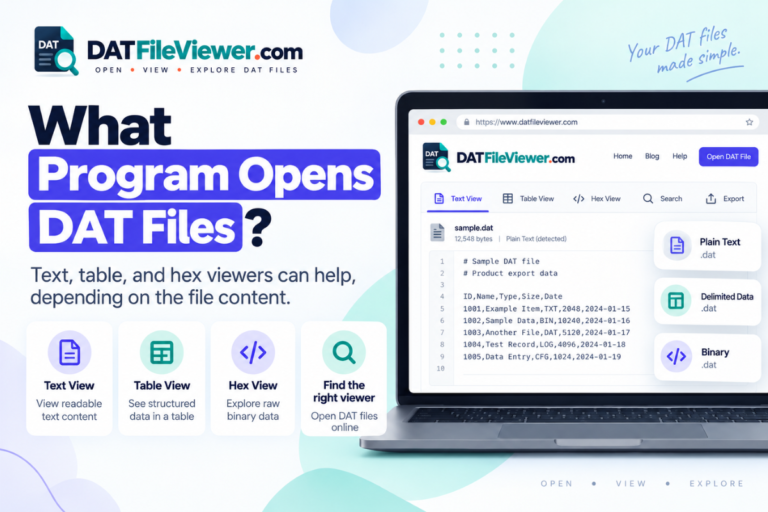
DAT files can be grouped into several broad categories, even though there is no single DAT standard.
Two DAT Files Can Look Completely Different
Consider two files that both end in .dat.
id,name,country,status
1001,Aisha,Pakistan,Active
1002,Liam,Canada,Active
1003,Sofia,Spain,Inactive
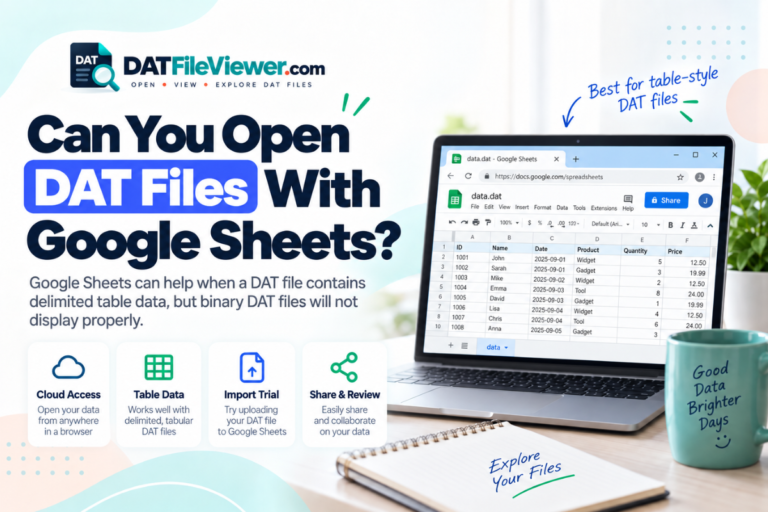
This DAT file contains readable comma-separated text. A table viewer or spreadsheet program may handle it well.
00000000  44 41 54 01 4F 02 00 10
00000008  B7 21 08 FF 39 A4 00 18
00000010  52 45 53 00 10 A2 6C 91
00000018  09 00 FF 31 08 42 B9 18
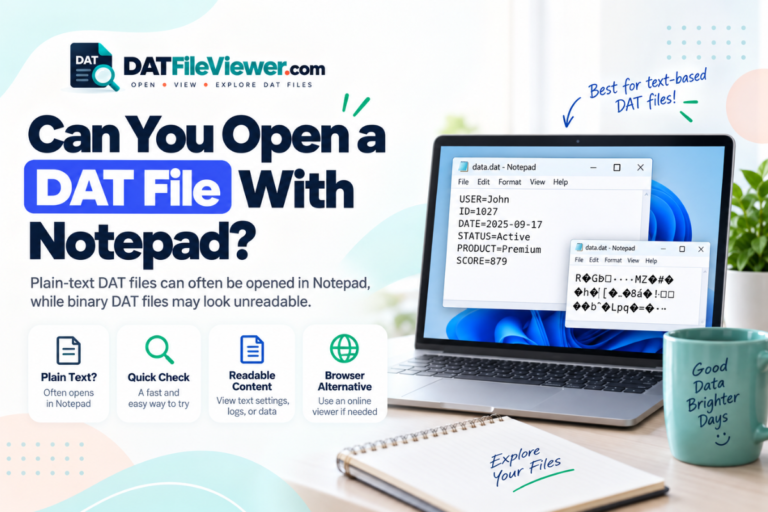
This example is binary. The raw bytes may require a hex viewer or the original program that created the file.
Both files have the same extension, but treating them as the same format would be a mistake.
How Text DAT Files Differ From Binary DAT Files
Text DAT files store characters in a form that a text editor can usually display. You may see words, numbers, paths, dates, settings, or table data.
Binary DAT files store information as bytes. Those bytes may represent numbers, images, game assets, indexes, compressed information, database records, or a custom software structure.
| Feature | Text DAT file | Binary DAT file |
|---|---|---|
| Readable in Notepad | Usually | Usually not |
| May contain rows and columns | Yes | Possible, but not as ordinary text |
| Useful in a hex viewer | Possible, but often unnecessary | Yes |
| May require original software | Sometimes | Often |
| Unreadable symbols mean corruption | No | No |
Important: If a DAT file looks unreadable in a text editor, do not assume it is corrupted. It may be a normal binary file that was never intended to be read as plain text.
Delimited DAT Files Can Use Different Separators
Even DAT files that contain text tables do not necessarily use the same layout.
One file may use commas:
sku,product,stock
A101,Keyboard,24
A102,Mouse,51
A103,Monitor,9
Comma-delimited text can often be treated much like CSV data.
sku|product|stock
A101|Keyboard|24
A102|Mouse|51
A103|Monitor|9
The same records can be stored with pipe characters instead.
Other DAT files may use tabs or semicolons. A viewer that detects common delimiters can help identify this structure before you import the file into a spreadsheet.
Our DAT File Viewer can detect comma, tab, semicolon, and pipe-separated content and show suitable files in a table view.
Why Do Developers Use the Same Extension for Different Formats?
Software developers often use DAT when they need a general-purpose data filename and do not need a public format with a dedicated extension.
For example, a program may need files for:
- Configuration settings
- User records
- Cached information
- Search indexes
- Game maps and assets
- Device information
- Internal databases
- Application resources
- Temporary data
The developer can decide how the information is stored. Nothing about the DAT extension forces it to match another program’s DAT structure.
Can One Program Open Every DAT File?
No program can fully interpret every possible DAT file because there is no universal DAT format.
A general DAT viewer can inspect many files. It may display readable text, recognize common table separators, search the visible data, or show raw bytes in hexadecimal.
That is useful for identifying a file, but inspection is not the same as decoding every proprietary structure.
If a game stores custom resource records inside a DAT file, the game may understand fields and relationships that a general viewer cannot know. The same is true for specialist business software, scientific programs, legacy systems, and custom databases.
This is why the original application is often the best option for proprietary DAT files.
How to Tell What Kind of DAT File You Have
You do not need to guess based on the extension alone. Use several clues together.
Find out which program, device, email, or folder produced the DAT file.
Look for readable words, labels, filenames, dates, paths, or settings.
Consistent lines may indicate table-style or record-based data.
Commas, tabs, semicolons, and pipes can reveal delimited text.
A hex view is more useful when the file contains mostly binary bytes.
Files in the same application folder can provide clues about what created the DAT file.
If you received the file without knowing its source, see our guide on how to open an unknown DAT file safely.
Does Renaming a DAT File Change Its Format?
No. Changing the extension does not rewrite the file’s contents.
For example, suppose a file is named:
sales.dat
If you rename it to:
sales.csv
the underlying bytes remain exactly the same.
If the original DAT file already contains valid comma-separated text, the CSV extension may make it easier for spreadsheet software to recognize. That is a filename change, not a conversion.
Can DAT Files From Different Programs Be Compatible?
Sometimes, but you should not assume they are.
If two applications both use simple text or the same documented data structure, one application may be able to read the other’s file.
With proprietary formats, compatibility is much less likely. Two developers can use the DAT extension while storing the information in completely different ways.
Same extension
Both files end in .dat.
Different structure
The bytes, fields, encoding, and layout may have nothing in common.
Different software
Each file may require a different application to interpret it correctly.
Can Excel Open Every DAT File?
No. Excel is useful only for DAT files that contain compatible text or structured table data.
If you can see rows with regular separators, Excel may be able to import the file. If the DAT file contains a binary database, compressed assets, or private application records, Excel will not automatically decode it.
The same applies to Notepad. Notepad can display text-based DAT files, but it cannot make sense of arbitrary binary formats.
Why the Original Program Matters
The software that created a DAT file knows how the file is structured.
It may know that bytes 20 through 24 represent a record ID, that another section contains an image, or that a certain block is compressed. A general viewer does not automatically have that private format definition.
If the file came from a known application, start there before trying to convert or edit it.
What If You Only Want to See What Is Inside?
You may not need to install specialist software just to inspect a file.
Our browser-based DAT viewer can help you check whether a DAT file contains readable text, table-style records, or binary content. It also supports search, TXT export, CSV export for suitable data, and hexadecimal preview.
The selected file is processed in the visitor’s browser and does not use a WordPress upload endpoint for the DAT file.
You can also read how to open a DAT file without installing software if you want a browser-first workflow.
Have Two DAT Files That Look Completely Different?
That is normal. Inspect each file separately to see whether it contains text, structured rows, or binary data before choosing the software you need.
Open DAT File ViewerFrequently Asked Questions
Are all .DAT files the same?
No. The DAT extension is used for many unrelated formats. The contents depend on the program or device that created the file.
Is there a standard DAT file format?
There is no single universal DAT format used by every application. Individual software developers can define their own DAT structures.
Why do some DAT files open in Notepad while others do not?
Some DAT files contain readable text. Others are binary. Binary files often display as strange characters when opened in a text editor.
Can two DAT files require different programs?
Yes. One DAT file may work in a text editor, while another may require a spreadsheet, hex viewer, media program, game, or specialist application.
Are all DAT files databases?
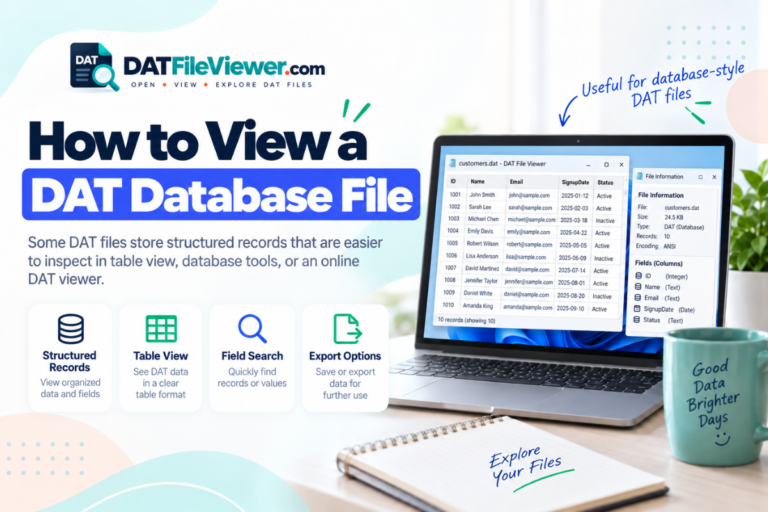
No. Some applications use DAT files for database records, but others use them for settings, caches, resources, media, logs, or unrelated binary information.
Does unreadable DAT data mean the file is corrupted?
No. The file may simply contain valid binary data. You need more evidence before deciding that a file is damaged.
How do I know what format a DAT file uses?
Check where the file came from, inspect readable strings, look for delimiters or repeated records, and use a hex view for binary content. The original application may also identify the format.
The Extension Is the Same, but the Format May Not Be
The main point is simple: .dat is a generic extension, not one universal file specification.
A DAT file can contain plain text, delimited tables, binary data, database-style records, media resources, game assets, or a private application format. Two DAT files can share the same extension while having completely different structures.
Do not choose software based only on the filename. Check the file’s source and inspect the contents first. A text editor may be enough for readable data. A table tool may work for delimited records. A hex viewer can help with binary files. Proprietary files often need the program that created them.
If you are not sure which type you have, inspect your DAT file before trying to rename, convert, or edit it.