Can You Open a DAT File With Notepad?
Yes, you can open many DAT files with Notepad, but whether the contents make sense depends on what is stored inside the file.
If the DAT file contains plain text, Notepad may show everything clearly. If the file contains binary data, application records, media, or a proprietary format, you may see strange characters or unreadable symbols instead.
Short answer: Notepad is a good first test for a DAT file that may contain text. It is not a universal DAT file reader. If the file looks unreadable, that does not automatically mean it is damaged. It may simply be binary.
When Notepad Can Open a DAT File Properly
Notepad works best when the DAT file contains readable text.
- Plain-text configuration files
- Simple logs
- Readable records
- Delimited text data
- Lists, names, dates, and paths
- Application settings stored as text
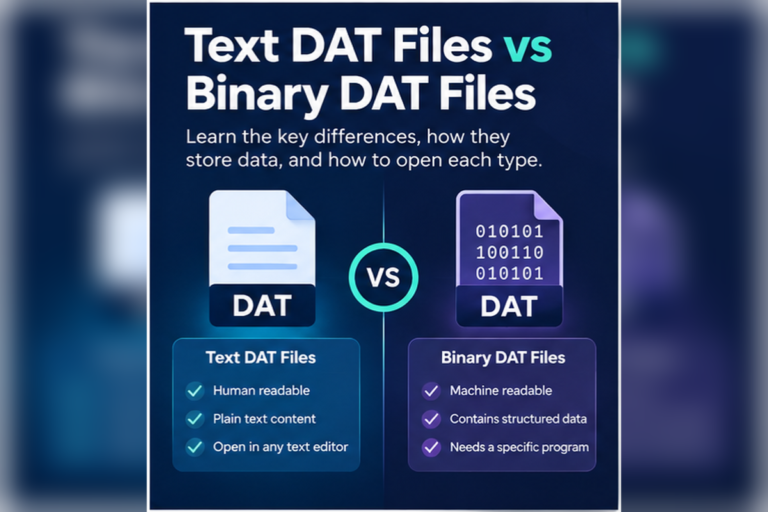
- Binary DAT files
- Game resources
- Private database formats
- Compressed data
- Media content
- Proprietary application files
This difference exists because .dat is not one standard format. If you need more background, see Are All DAT Files the Same Format?.
What a Text DAT File Looks Like in Notepad
A text-based DAT file may open cleanly and look similar to an ordinary TXT file.
language=en
theme=dark
autosave=true
refresh_interval=30
show_notifications=yes
Notepad can display this type of DAT file because the content is plain text.
Nothing about the .dat extension prevents Notepad from reading this data. The extension only affects how Windows may associate the file with programs.
DAT Files Can Also Contain Table-Like Text
Some DAT files contain structured rows rather than simple settings.
id|name|country|status
1001|Aisha|Pakistan|Active
1002|Liam|Canada|Active
1003|Sofia|Spain|Inactive
Notepad can show the data, but a table viewer or spreadsheet may make the rows easier to work with.
If you see repeated commas, tabs, semicolons, or pipe characters, the file may contain delimited text. Notepad can display it, but it will not automatically split values into columns.
Our DAT File Viewer can detect common delimiters and show suitable files in a table view.
How to Open a DAT File With Notepad on Windows
Locate the DAT file
Find the file in File Explorer. If it belongs to installed software, consider making a backup before doing anything else.
Right-click the file
Use the Open with option rather than changing the file extension.
Select Notepad
If Notepad is not shown immediately, choose another app and then select Notepad.
Inspect the contents
Look for readable words, labels, paths, dates, repeated rows, and separators.
Close without saving if you are only inspecting
If you do not understand the file structure, avoid changing or saving it.
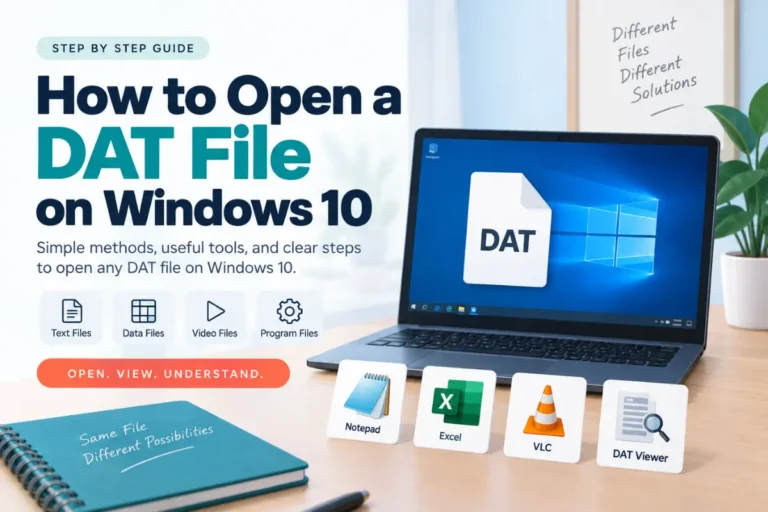
Windows users can also see our guides for opening DAT files on Windows 11 and opening DAT files on Windows 10.
Why Does a DAT File Show Strange Characters in Notepad?
This usually happens when the DAT file contains binary data.
A text editor tries to interpret the file’s bytes as characters. That works when the file was written as text. It does not work well when the bytes represent other things such as numbers, resource data, indexes, compressed blocks, or application-specific structures.
You may see output that looks like this:
�DAT��R��2��REC���A1��Q��
��9F��DATA��00��P��
This does not prove the file is broken. It may simply be binary data viewed with the wrong tool.
If you want to confirm the file type, see how to tell whether a DAT file is text or binary.
What Should You Use Instead for a Binary DAT File?
A hex viewer is more useful when the file is binary.
Instead of forcing every byte to appear as a text character, a hex viewer displays byte values directly.
00000000  44 41 54 01 00 20 00 00  7A 18 FF 32 00 00 01 A4
00000010  10 00 2B 8F 90 11 04 00  52 45 43 4F 52 44 00 08
00000020  91 02 A7 3F 00 00 00 1C  22 18 04 B1 09 00 7F 31
Hexadecimal view is more appropriate when the file stores binary bytes.
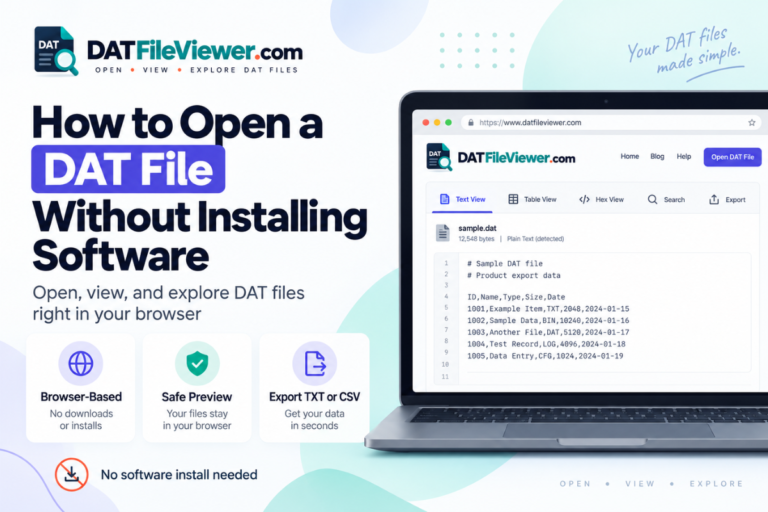
Our browser-based DAT viewer includes text and hex views, so you can compare both without installing a separate program.
Can Notepad Open Every DAT File?
No.
Notepad can technically attempt to open many files, but that does not mean it can interpret them correctly.
| DAT file type | Will Notepad help? | Better choice |
|---|---|---|
| Plain text | Yes | Notepad or another text editor |
| Delimited text | Yes, for viewing | Table viewer or spreadsheet for columns |
| Binary data | Usually not | Hex viewer |
| Proprietary application data | Usually not | Original application |
| Media data | No useful interpretation | Compatible media software |
Can the Wrong Text Encoding Make a DAT File Look Broken?
Yes.
Not every unreadable-looking DAT file is binary. A text file can use an encoding that Notepad does not interpret the way you expect.
For example, a file may use UTF-16 or another character encoding. If the encoding is interpreted incorrectly, you may see odd spacing or strange characters.
If only small pieces of readable text appear inside large amounts of unreadable content, the file is more likely to be binary.
Can You Search a DAT File in Notepad?
Yes, if the content is text.
Search is useful when you are trying to identify an unknown DAT file. You can look for:
- Program names
- Usernames
- File paths
- URLs
- Dates
- Database field names
- Configuration labels
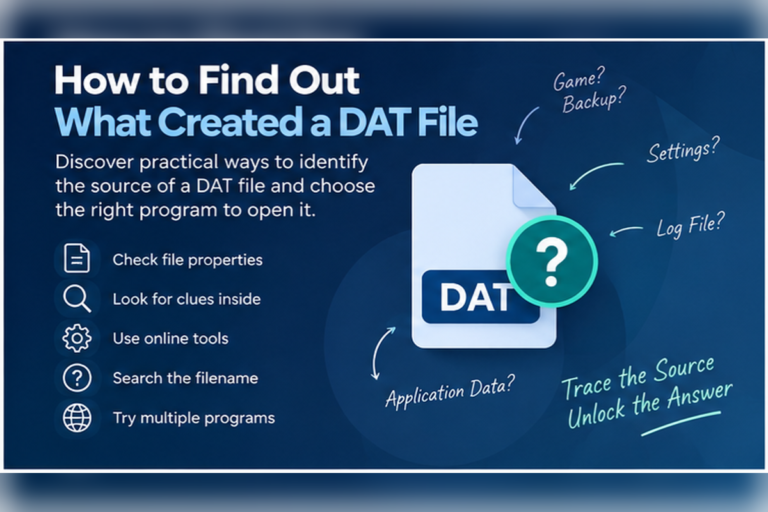
If you are trying to identify the program behind a file, see our guide on how to find out what created a DAT file.
Is It Safe to Edit a DAT File in Notepad?
Reading and editing are different things.
Opening a text DAT file for inspection is usually straightforward. Saving changes can be risky if the file belongs to an application that expects an exact structure.
A single missing separator, changed value, or altered character can make the file unusable to the original software.
Before editing:
- Make a backup copy
- Confirm the file is actually text
- Understand what the fields mean
- Keep the original encoding when possible
- Do not edit application files just to test what happens
Should You Rename a DAT File to TXT?
No need.
Notepad can open many text DAT files without changing the extension.
Renaming:
settings.dat
to:
settings.txt
does not convert the file. It only changes the filename extension.
If the data was already text, it remains text. If the file was binary, it remains binary.
Renaming should never be used as a substitute for real conversion.
What About Notepad++?
Notepad++ can be more convenient than basic Notepad for some text DAT files.
It may help with:
- Large text files
- Line numbers
- Searching and replacing
- Encoding options
- Syntax-like visual separation
- Working with structured text
However, Notepad++ still does not automatically understand proprietary binary DAT formats. It is a better text editor, not a universal DAT decoder.
What If the DAT File Is Very Large?
Large files can be slow or inconvenient in basic text editors.
If the DAT file is hundreds of megabytes or larger, opening the whole thing in Notepad may use a lot of memory or take time.
A viewer with preview limits can be safer for initial inspection because it can show part of the file instead of trying to render everything at once.
Our DAT viewer includes large-file protection and text preview limits for this reason.
Use This Simple Decision Guide
Most content is clear
Notepad is fine for basic inspection. Use a table tool if the data has columns.
Most content looks strange
Switch to a hex viewer. The file may be binary rather than damaged.
The file belongs to an app
Use the original program if you need to interpret or edit the data correctly.
What If You Do Not Want to Install Another Program?
If Notepad does not give you enough information, you do not necessarily need to install specialist software right away.
You can use a browser-based viewer to check text, table-style data, and hexadecimal bytes. That gives you a better idea of what the file contains before choosing another application.
See how to open a DAT file without installing software for a browser-first approach.
Notepad Showing Strange Characters?
Inspect the file in text, table, and hexadecimal views before deciding that the DAT file is broken or choosing another program.
Open DAT File OnlineFrequently Asked Questions
Can Notepad open a DAT file?
Yes. Notepad can open DAT files that contain readable text. Binary DAT files may display as strange or unreadable characters.
Why does my DAT file look like gibberish in Notepad?
The file may contain binary data or use a different text encoding. Gibberish alone does not prove that the file is corrupted.
Can I edit a DAT file in Notepad?
You can edit a text DAT file, but only do so if you understand its structure. Editing application data incorrectly can stop the original program from reading it.
Should I change .DAT to .TXT before opening it?
No. Notepad can open text DAT files without renaming them. Changing the extension does not convert the underlying data.
Can Notepad open binary DAT files?
It can attempt to display them, but the result is usually not useful. A hex viewer is better for binary data.
Is Notepad++ better for DAT files?
It can be better for text-based DAT files because it offers stronger search, encoding controls, and line handling. It still cannot automatically decode every proprietary binary DAT format.
What is the easiest way to check a DAT file before using Notepad?
Inspect it with a DAT viewer that supports both text and hexadecimal views. This can help you see whether the file is text or binary before choosing another tool.
Notepad Is Useful, but Only for the Right DAT Files
Notepad is a simple and useful first option when a DAT file contains plain text.
If the file opens with readable words, settings, logs, or structured rows, you may not need anything more complicated. If the content is mostly unreadable, the file may be binary, encoded differently, or stored in a proprietary application format.
Do not rename the file just to make Notepad open it, and do not assume strange characters mean corruption.
If you want to understand the difference in more detail, read Text DAT Files vs Binary DAT Files. If you already have the file and want to inspect it before using another program, you can view your DAT file online.